


 Github Stars:
 Last Commit:
  Created: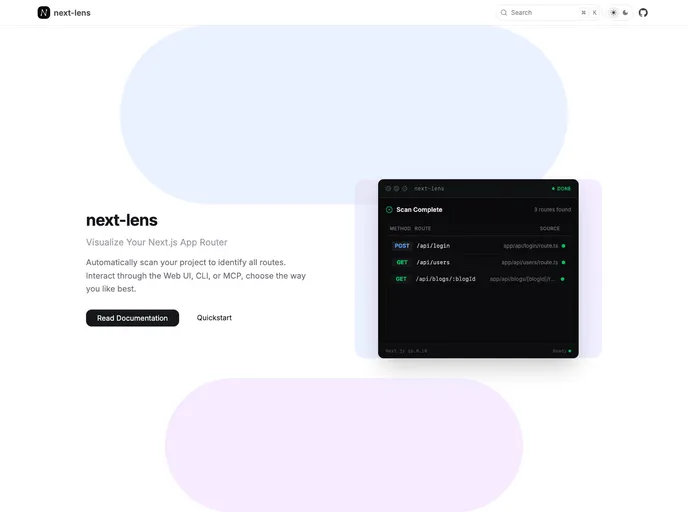
Overview
Next Lens is an innovative command-line interface (CLI) tool designed specifically for Next.js developers. It streamlines the process of scanning routes within Next.js applications, delivering valuable insights directly to your terminal or through a user-friendly web interface. By simplifying route management, Next Lens enhances the overall development experience, making it easier to identify potential issues and optimize performance.
With Next Lens, developers can gain a deeper understanding of their application’s structure and performance metrics, leading to more efficient debugging and improved end-user experience. This tool is essential for anyone looking to maximize their productivity while working on Next.js projects.
Features
- Route Scanning: Quickly scans all Next.js routes, providing instant feedback on your application’s routing structure.
- Terminal Insights: Delivers concise information directly to your terminal, allowing for rapid review without leaving the command line interface.
- Web UI Integration: Offers a user-friendly web interface for a more detailed view of your project’s insights and metrics.
- Performance Metrics: Analyzes route performance and identifies areas for optimization, helping to create faster, more responsive applications.
- Error Detection: Effectively flags any routing errors, assisting developers in addressing issues before they affect users.
- Easy Installation: Simplifies the setup process, allowing developers to integrate Next Lens into their workflow with minimal effort.
- Customizable Output: Provides options to tailor the information displayed based on individual development needs, enhancing usability.






























































