


 Github Stars:
 Last Commit:
  Created:




Overview
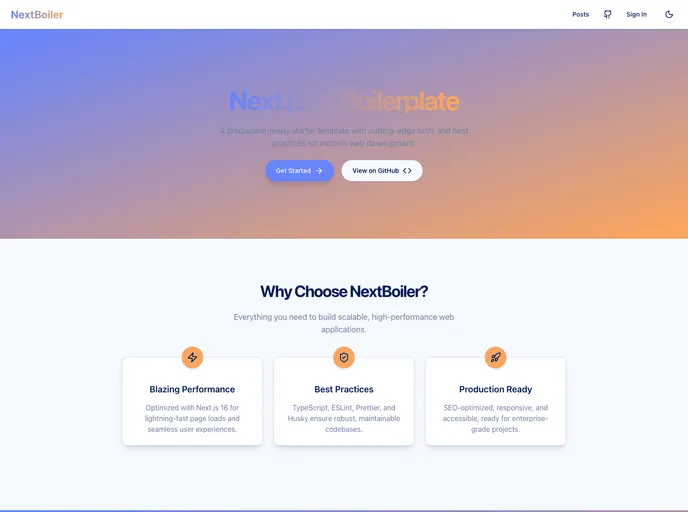
Next Starter is a starter template that provides a ready-to-use starting point for web development projects. It is designed to streamline the development process and ensure that the project is production-ready from the start. Key features include support for Web Vitals, a pre-configured folder structure, tooling integration, SEO optimization, and server-side rendering.
Features
- Web Vitals with 100% by default
- Ready-to-use folder structure
- Integration with tooling such as ESLint, Prettier, and Husky
- SEO optimization
- Server-side rendering support
- Styling with Styled Components
- Font preloading from Google Fonts
- Tooling configuration with ESLint and Prettier
- Integration with VSCode extensions for code formatting
- Absolute imports with prefix
@/starting from thesrcfolder - Sorting and grouping of imports
- Validation of staged files with ESLint on every commit
- Next.js compiler enhancements, including removal of
console.*in production and concurrent features for Suspend - SEO optimization with the Head component for customizing metadata
Installation
To install Next Starter, follow the steps below:
- Clone the repository using the command
git clone [repository-url]. - Install dependencies by running
yarn installornpm install. - Start the development server with
yarn devornpm run dev. - Build the project for production with
yarn buildornpm run build. - Analyze the bundle with
yarn analyzeornpm run analyze. - Lint the code for quality with
yarn lintornpm run lint.
Summary
Next Starter is a comprehensive starter template for web development projects. It provides a ready-to-use configuration, tooling integration, and optimized features such as SEO and server-side rendering. The template leverages popular technologies such as Next.js, TypeScript, and Styled Components to ensure a smooth development experience. With Next Starter, developers can quickly set up a project and focus on building their application without worrying about boilerplate setup.




























































