


 Github Stars:
 Last Commit:
  Created:



Overview:
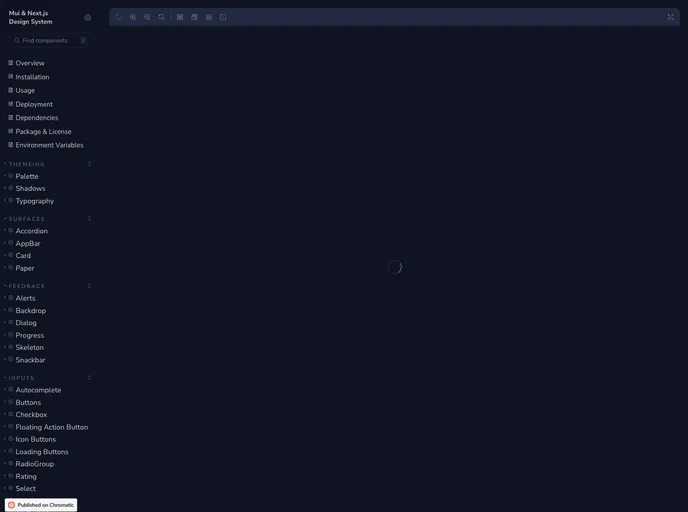
MuiStory is a web development tool that allows users to easily create interactive stories and presentations. With MuiStory, users can create engaging and visually appealing content by utilizing various features and customizable templates. This tool helps users enhance their storytelling abilities and captivate their audience with interactive and dynamic presentations.
Features:
- Interactive Storytelling: MuiStory provides a platform for users to create interactive stories and presentations with ease. It allows users to incorporate various multimedia elements such as images, videos, and audio to enhance the storytelling experience.
- Customizable Templates: Users can choose from a wide range of customizable templates to create visually stunning presentations. These templates offer options for different design styles, layouts, and themes, allowing users to easily tailor their content to suit their specific needs.
- Easy-to-Use Interface: MuiStory features a user-friendly interface that makes it simple for users to navigate through the tool and create their desired content. The drag-and-drop functionality and intuitive design make it accessible for users of all levels of expertise in web development.
Installation:
To install and run MuiStory on your local development server, follow these steps:
- Clone the MuiStory repository from GitHub by running the following command in your terminal:
git clone https://github.com/muistory/muistory.git
- Navigate to the cloned directory:
cd muistory
- Install the required dependencies using the package manager of your choice. For example, using npm:
npm install
- Start the development server by running the following command:
npm start
- Open your preferred browser and enter the following URL:
http://localhost:3000
You should now be able to access and use MuiStory on your local development server.
Summary:
Overall, MuiStory is a powerful web development tool that simplifies the process of creating interactive stories and presentations. With its interactive storytelling capabilities, customizable templates, and user-friendly interface, MuiStory empowers users to captivate their audience and create visually appealing content. By following the installation guide provided, users can easily set up and start using MuiStory to enhance their storytelling abilities.



























































