


 Github Stars:
 Last Commit:
  Created:

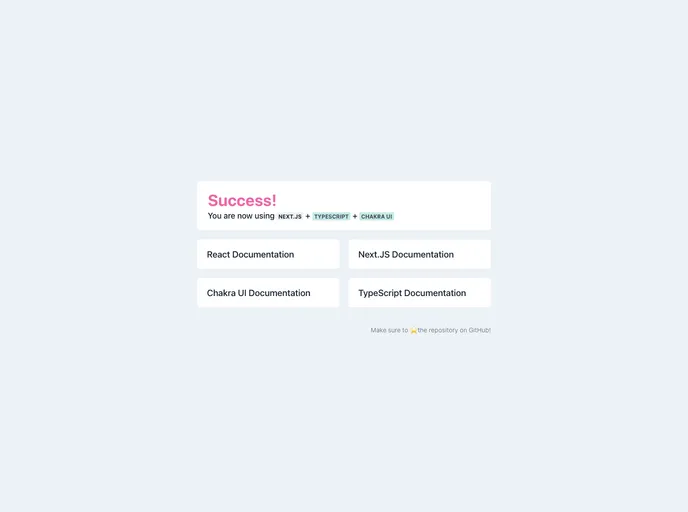
Overview
This product analysis is about a starting point for a Next.JS project that utilizes TypeScript and Chakra UI, with the additional integration of Prettier for code formatting. It aims to provide developers with a streamlined and efficient way to begin their Next.JS development process using these technologies.
Features
- Next.JS: A React framework that allows for server-side rendering and provides a robust development environment.
- TypeScript: A statically-typed superset of JavaScript that enhances developer productivity and provides better code maintainability.
- Chakra UI: A modular and accessible UI component library for React, which enables developers to build professional-looking and responsive user interfaces.
- Prettier: A code formatting tool that helps enforce consistent code style and improves code readability.
Installation
- Start by installing Node.js and npm (Node Package Manager) if they are not already installed on your system.
- Create a new directory for your Next.JS project.
- Open a terminal and navigate to the directory you created in the previous step.
- Run the following command to initialize a new Next.JS project:
npx create-next-app .
- Add TypeScript to your project by running the following command:
npm install --save-dev typescript @types/react @types/node
- Install Chakra UI by running the following command:
npm install @chakra-ui/react @emotion/react @emotion/styled framer-motion
- Install Prettier as a development dependency by running the following command:
npm install --save-dev prettier
- Create a file named
.prettierrcin the root of your project directory and add the following configuration:
{
  "useTabs": false,
  "printWidth": 80,
  "singleQuote": true,
  "trailingComma": "all",
  "arrowParens": "always"
}
- Install the Prettier extension for Visual Studio Code by searching for “Prettier - Code formatter” in the Extensions sidebar and installing it.
- You are now ready to start developing your Next.JS project with TypeScript and Chakra UI using the integrated Prettier code formatting.
Summary
This product provides developers with a convenient starting point for Next.JS projects using TypeScript and Chakra UI. By incorporating Prettier for code formatting, it helps maintain consistent and readable code. The installation guide simplifies the setup process, allowing developers to quickly get started with their development tasks.






























































