


 Github Stars:
 Last Commit:
  Created:

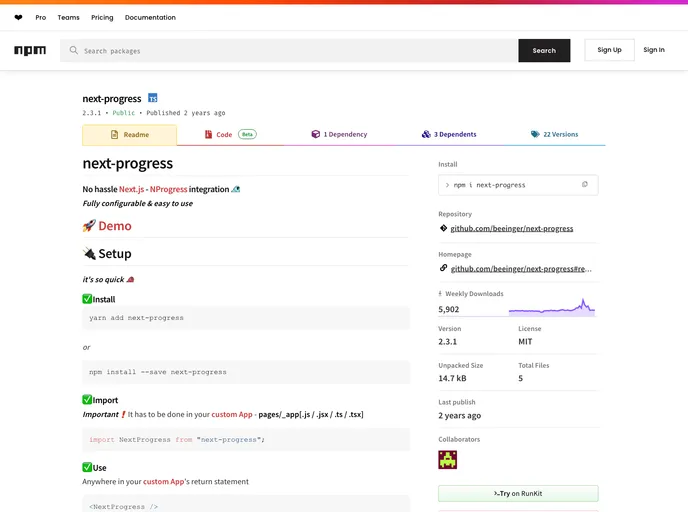
Overview:
Next-progress seamlessly integrates NProgress with Next.js applications, providing a smooth and customizable progress indicator for users while navigating between pages. This integration simplifies the process of adding a dynamic progress bar to your app, allowing developers to focus more on enhancing their application’s functionality rather than getting caught up in intricate implementation details. With its user-friendly setup and extensive configuration options, Next-progress is a fantastic choice for developers looking to improve user experience without any hassle.
Features:
- Fully Configurable: Customize the appearance of the progress bar, adjusting height, color, and delay times to suit your design needs.
- Easy Setup: Get started quickly by installing or importing it directly into your custom App’s files, ensuring a smooth integration into your Next.js project.
- Flexible Usage: Incorporate the progress bar anywhere within your custom App’s return statement, providing maximum flexibility for developers.
- Delay Option: Control the animation delay to prevent the progress bar from appearing unnecessarily when pages load quickly, enhancing the user experience.
- Same Route Handling: The option to disable the progress bar when navigating within the same route allows for a cleaner interface.
- Custom Global CSS: Allow for bespoke styling of the progress bar by providing your styles as a string, enabling full control over its appearance.
- Default Configuration: Comes with sensible defaults for all settings, so you can implement it without needing to tweak any configurations if you’re content with the defaults.






























































