


 Github Stars:
 Last Commit:
  Created:

Overview
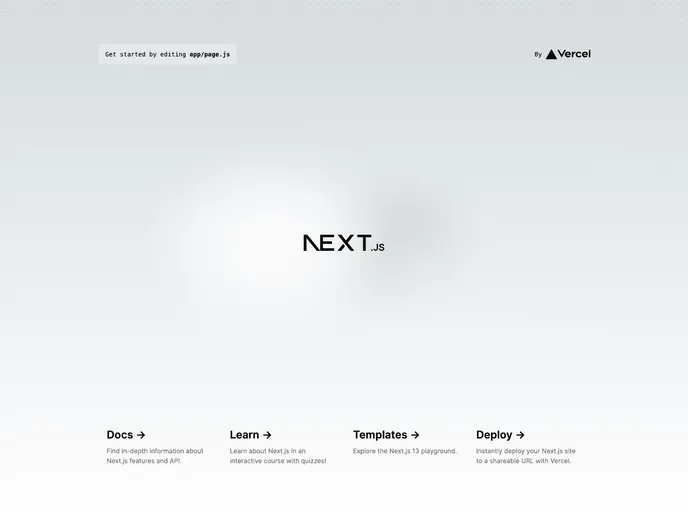
This is a Next.js project bootstrapped with create-next-app. It is a development server that allows for editing pages and automatically updates as you make changes. It also includes next/font to optimize and load a custom Google Font. The project can be deployed using the Vercel platform.
Features
- Next.js development server
- Live editing of pages
- Automatic updating of pages when file is edited
- next/font for optimized font loading
- Custom Google Font integration
- Deployment on Vercel platform
Installation
To install the Next.js project, follow the steps below:
- Install the create-next-app package globally by running the following command in your terminal:
npm install -g create-next-app
- Create a new Next.js project by running the following command in your desired project directory:
npx create-next-app my-app
- Change into the newly created project directory:
cd my-app
- Start the Next.js development server:
npm run dev
- Open your web browser and navigate to http://localhost:3000 to see the result.
Summary
The Next.js project is a powerful development tool for creating web applications. It provides features such as live editing, automatic updating, and optimization for font loading. The project can be easily deployed using the Vercel platform. Overall, it is a convenient and efficient tool for building Next.js applications.




























































