


 Github Stars:
 Last Commit:
  Created:


Overview
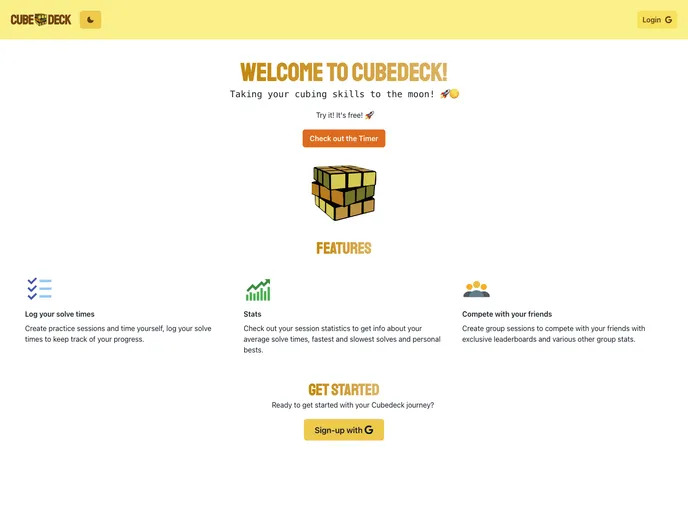
Cubedeck is a web application designed to assist cubers in keeping track of their progress and improving their solving skills. It offers features such as logging solve times, obtaining stats about solves, creating practice sessions, and joining and competing with friends in group solves. The app is built using technologies like React, Next.js, ChakraUI, TypeScript, Firebase (Auth/Firestore), and is hosted on Netlify/Netlify Functions.
Features
- Solve Logging: Easily log solve times and keep a record of your solves.
- Stats Tracking: Obtain statistics about your solves to track your progress and identify areas for improvement.
- Practice Sessions: Create custom practice sessions to focus on specific solving techniques or puzzles.
- Group Competitions: Create or join friend groups to compete for the best solves and compare your progress with others.
Installation
To run Cubedeck locally, follow these steps:
- Clone the repository to your local machine.
- Install all the dependencies required for the project.
- Create a Firebase project.
- Add your Firebase credentials to a
.envfile in the project’s root directory. - Check out the
.env.examplefile for the required environment variable names. - Run the app and start using Cubedeck.
Summary
Cubedeck is a web application designed specifically for cubers to help them improve their solving skills. With features like solve logging, stats tracking, practice sessions, and group competitions, Cubedeck provides a comprehensive platform for cubers to track their progress and compete with friends. Built with React, Next.js, and Firebase, Cubedeck offers a user-friendly interface and a seamless user experience.





























































