


 Github Stars:
 Last Commit:
  Created:



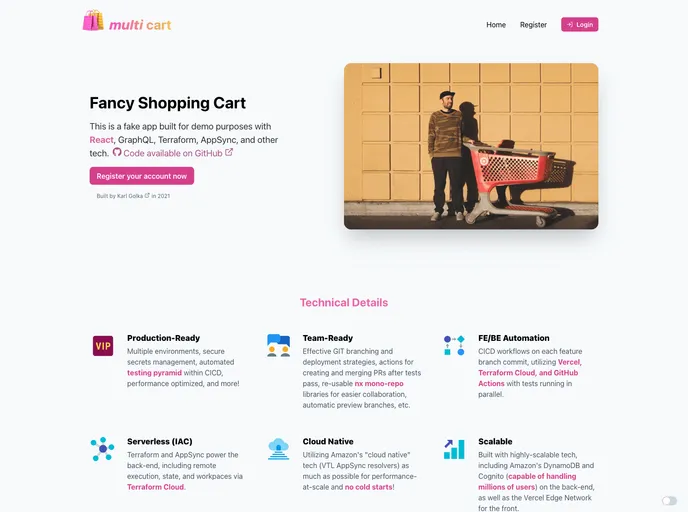
Overview
Multi-Cart is a full-stack React serverless web application built for demo and study purposes. It was developed as a way to learn React, GraphQL, and other technologies. This application is a fake fancy shopping cart that allows users to create and edit shopping carts.
Features
- User can create a new cart through the NavBar > CartMenu dropdown.
- User can edit the created cart through various components such as EditCartPage, EditCartContainer, EditCartTable, CartLineContainer, CartLineForm, LineAccountsContainer, DrawerContainer, and LineAccountAutoSave.
- Custom incoming webhook for devops glue between Terraform Cloud and GitHub Actions.
- Custom urql Graphcache and Global Fetching exchanges.
Installation
To install the Multi-Cart application, follow these steps:
- Clone the repository from https://github.com/[repository-url].
- Navigate to the project directory in your terminal.
- Install dependencies by running the following command:
npm install
- Start the application by running the following command:
npm start
- The application will now be running locally on your machine.
Summary
Multi-Cart is a full-stack React serverless web application built for demo and study purposes. It features the ability to create and edit shopping carts, as well as custom webhooks and exchanges. The application provides a hands-on learning experience for React, GraphQL, and other technologies.




























































