


 Github Stars:
 Last Commit:
  Created:




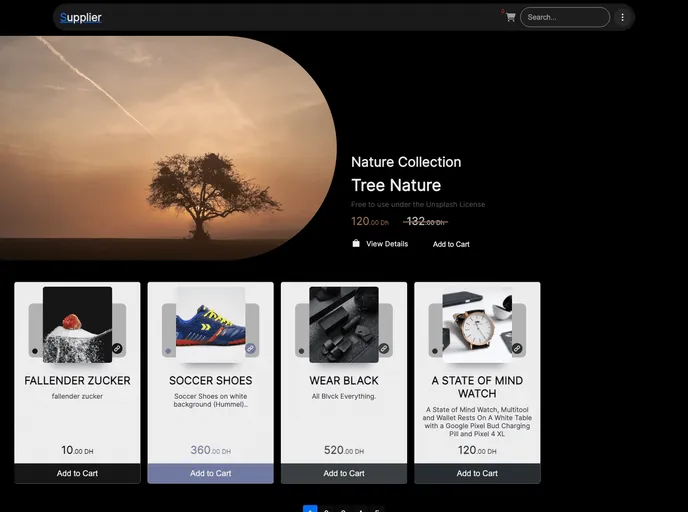
Overview
This product is a Next.js project that has been bootstrapped with create-next-app. It allows for the easy development and deployment of Next.js applications.
Features
- Next.js project bootstrapped with create-next-app
- Development server for testing and previewing changes
- Automatic optimization and loading of Inter, a custom Google Font
- Next.js documentation and resources for further learning
- Deployment on the Vercel Platform, the recommended way to deploy Next.js apps
Installation
To get started with this Next.js project, follow these instructions:
- Install create-next-app globally by running this command in your terminal:
npm install -g create-next-app
- Create a new Next.js project by running the following command:
create-next-app my-next-app
- Change to the project directory:
cd my-next-app
- Run the development server:
npm run dev
Open your browser and go to http://localhost:3000 to see the result.
Start editing the page by modifying the app/page.tsx file. The page will auto-update as you make changes.
Summary
The Next.js project bootstrapped with create-next-app is a powerful tool for developing and deploying Next.js applications. With its features such as the development server, automatic font optimization, and easy deployment with Vercel, it provides a seamless experience for developers. By following the installation guide, users can quickly get started with their Next.js projects and make use of the various resources available for learning and customization.


























































