


 Github Stars:
 Last Commit:
  Created:
Overview:
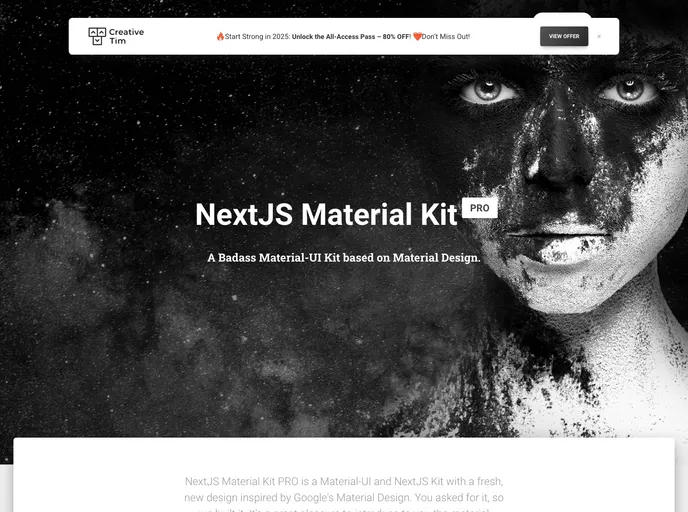
NextJS Material Kit PRO is a Premium UI Kit made for NextJS version 9.0.5, React version 16.9.0 and Material-UI version 4.3.2. It features a wide range of components that can help users create amazing websites. The kit is designed with bright and fresh colors, making it visually appealing.
Features:
- Over 1000 frontend components available
- Variations in color that can be easily modified through SASS and JSS files/classes
- Prebuilt examples to facilitate the development process
Installation:
To install NextJS Material Kit PRO, follow these steps:
- Install NodeJs by visiting the NodeJs Official Page.
- Login into your account on the Creative Tim website.
- Go to the downloads section on the Creative Tim website (make sure you are logged in).
- Press the download button near NextJS Material Kit Pro product to download the zip file onto your computer.
- Unzip the downloaded file to a folder on your computer.
- Open Terminal and navigate to your project folder.
- Run the command
npm installin the terminal. - After the installation is complete, run
npm startto start the project. - You can also run
npm run install:cleanwhich will delete node_modules, package-lock.json, .next/, automatically run the install script, and start the script. - Lastly, navigate to http://localhost:3000 to view the project.
Summary:
NextJS Material Kit PRO is a premium UI Kit designed for NextJS, React, and Material-UI. It offers a wide range of components and allows for easy customization. The installation process is straightforward and can be done by following the provided steps. Overall, this UI Kit is a great choice for developers looking for a comprehensive solution for creating stunning websites.





























































