


 Github Stars:
 Last Commit:
  Created:

Overview:
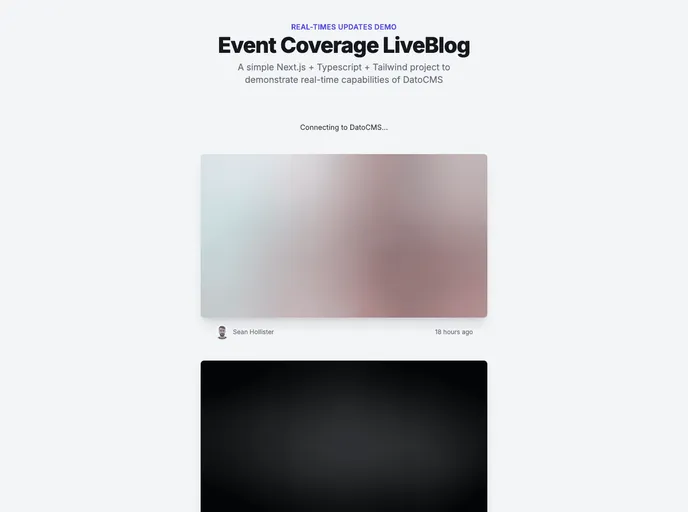
This Next.js project is created using create-next-app and showcases the utilization of DatoCMS Real-time Updates API. It allows for real-time updates to be made to the website. Additionally, a demo of the project is available at here, which can be deployed for free. To learn more about integrating DatoCMS with Next.js, there are several resources provided.
Features:
- Real-time Updates: The project demonstrates the use of DatoCMS Real-time Updates API, allowing for real-time changes to be made to the website.
- Demo Project: A demo project is available, showcasing the functionality of the Next.js project.
- Free Deployment: The demo project can be deployed for free, providing the opportunity to test and experiment with the project.
Installation:
To install and run the project locally, follow these steps:
Create a
.env.localfile and add the following line, replacingNEXT_PUBLIC_DATOCMS_API_TOKENwith the API token of your DatoCMS project:NEXT_PUBLIC_DATOCMS_API_TOKEN=YOUR_API_TOKEN_HERERun the development server using the command:
npm run devOpen your browser and access
http://localhost:3000to view the website. You can start editing the pages by modifying thepages/index.jsfile. The changes will automatically update the page.
Summary:
This Next.js project demonstrates the use of DatoCMS Real-time Updates API, allowing for real-time changes to be made. It provides a demo project that can be deployed for free. By following the installation guide, users can easily set up and run the project locally to test and experiment with its functionality.






























































