


 Github Stars:
 Last Commit:
  Created:






Overview:
create-fullstack-app is a CLI tool that simplifies the process of generating boilerplate code for projects using TypeScript. With this tool, users can easily create the basic folder structure and files needed for development without the need to configure multiple tools. It offers a variety of templates for generating front-end, back-end, or full-stack projects with different frameworks.
Features:
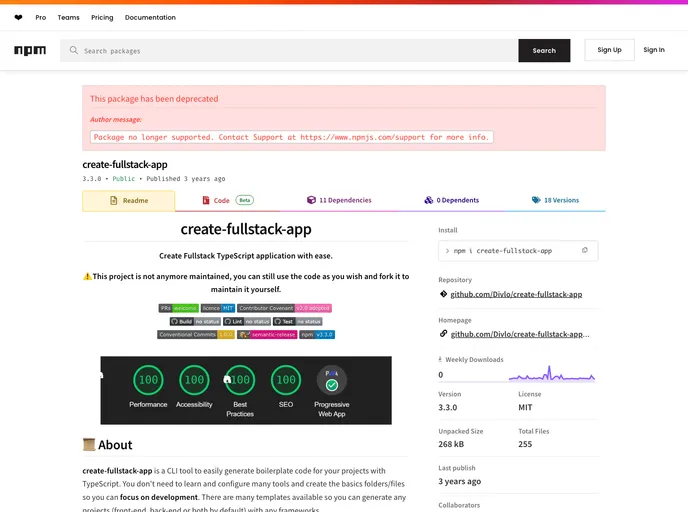
- Maximize Lighthouse Google Chrome score: The generated code follows best practices to optimize performance and achieve a high score on Lighthouse Google Chrome audits.
- Follow Typescript Standard Style: The code generated by create-fullstack-app adheres to the TypeScript Standard Style guidelines, ensuring clean and consistent code.
- Easy to use: The CLI tool provides a user-friendly interface that asks users a series of questions, such as template selection, project name, and description, to generate the desired boilerplate code.
- Templates available: create-fullstack-app offers a range of templates for different project types and frameworks, including Next.js with React.js, Nuxt.js with Vue.js, Express.js with Sequelize and MySQL, Fastify with Sequelize and MySQL, Fastify with Prisma and PostgreSQL, Nest.js with MySQL, and Strapi with MySQL.
Installation:
To install and use create-fullstack-app, follow these steps:
- Open your terminal or command prompt.
- Run the following command to install create-fullstack-app globally:
npm install -g create-fullstack-app - Once the installation is complete, you can use the CLI tool by running the following command:
create-fullstack-app - Answer the prompts to select the desired template, project name, and description.
- After providing the necessary information, create-fullstack-app will generate the boilerplate code and install all the dependencies required for your project.
Summary:
create-fullstack-app is a CLI tool that simplifies the process of generating boilerplate code for projects using TypeScript. It offers a user-friendly interface, allowing users to select templates for different project types and frameworks. The generated code follows best practices and adheres to TypeScript Standard Style guidelines. By using create-fullstack-app, developers can save time and focus on actual development instead of setting up the initial project structure and configurations.



























































