


 Github Stars:
 Last Commit:
  Created:


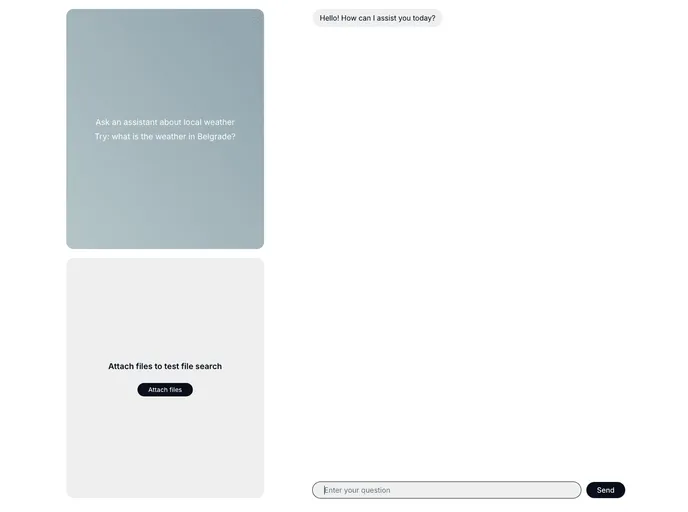
Overview
The OpenAI Assistant demo app is an impressive showcase of how the OpenAI Assistants API can seamlessly integrate into a Next.js environment using the Vercel AI SDK. This application highlights the capabilities of AI in real-time interaction, showcasing features like streaming and tool use. Its implementation is clean and efficient, making it a great reference point for developers looking to enhance their applications with AI functionalities.
The setup process is straightforward, making it accessible for both novice and experienced developers. With just a few steps, users can clone the repository, install dependencies, and get the assistant up and running locally. This not only serves as a practical demonstration of AI’s capabilities but also offers a foundation for further customization and expansion.
Features
- Next.js 14 Framework: Built using the latest Next.js version, ensuring optimal performance and a modern development experience.
- Vercel AI SDK: Leverages the Vercel AI SDK for smooth chat functionality, enhancing real-time interactions with users.
- Streaming Capabilities: Supports streaming responses for dynamic and engaging user interactions.
- Tool Utilization: Incorporates advanced features like a code interpreter and file search to enhance the assistant’s utility.
- Function Calling: Enables the assistant to execute functions, allowing for more interactive and context-aware conversations.
- Tailwind CSS Styling: Utilizes Tailwind CSS for sleek and responsive design, ensuring a polished user interface.
- Easy Setup Process: Simple instructions for cloning the repository and running the app locally, making it accessible for developers at any level.





























































