


 Github Stars:
 Last Commit:
  Created:

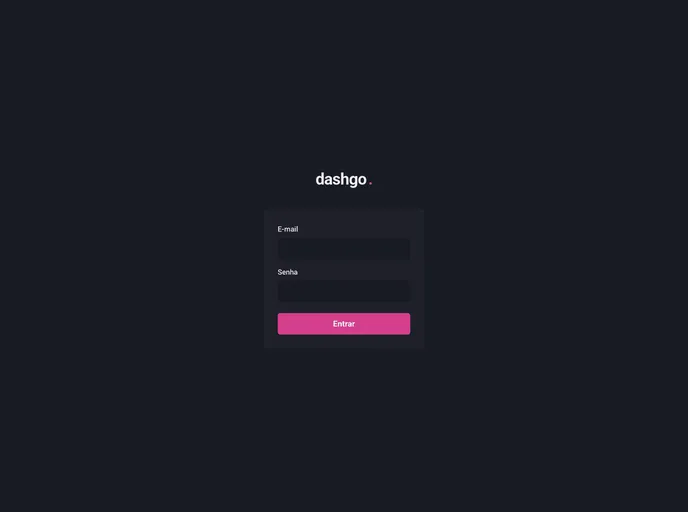
Overview
This product is a web application built using ReactJS and TypeScript. It also incorporates various other technologies such as Chakra UI, Next.js, React Hook Form, React Query, and Mirage JS.
Features
- ReactJS: Utilizes the powerful and popular JavaScript library for building user interfaces.
- TypeScript: Integrates TypeScript to enable static typing and enhanced developer productivity.
- Chakra UI: Includes the Chakra UI component library for designing and styling the application.
- Next.js: Implements Next.js, a framework that enhances React apps with features like server-side rendering and static site generation.
- React Hook Form: Implements React Hook Form for easy and efficient form validation and handling.
- React Query: Utilizes React Query for managing and synchronizing server state in the application.
- Mirage JS: Incorporates Mirage JS as a mock API toolkit for simulating server responses during development.
Installation
To install and set up this application, follow the steps below:
- Clone the repository from [repository_url].
- Navigate to the project directory.
- Install the necessary dependencies by running the following command:
npm install
- Start the application by running the following command:
npm start
- Access the application through your web browser at [localhost:3000].
Summary
This web application is built using ReactJS and TypeScript along with various other technologies like Chakra UI, Next.js, React Hook Form, React Query, and Mirage JS. It offers a range of features such as a powerful UI component library, easy form validation, server state management, and simulated API responses for seamless development. With its installation guide, getting started with this application is straightforward.






























































