


 Github Stars:
 Last Commit:
  Created:
Overview:
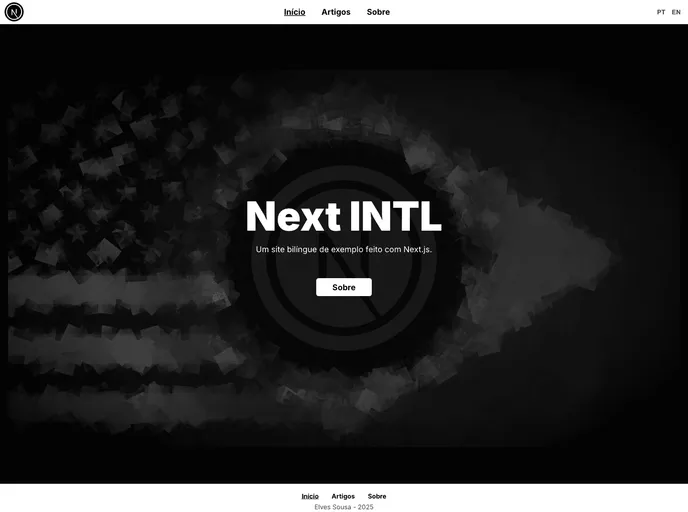
This article provides a demonstration of creating a bilingual website using Next.js. It is accompanied by a tutorial on the author’s blog. Additionally, the author encourages readers to view the source code, fork the project, and use it in their own projects.
Features:
- Bilingual website: Showcase the creation of a website that supports multiple languages.
- Next.js: Utilize the Next.js framework for building the website.
- Tutorial article: Access a detailed article on the author’s blog for step-by-step guidance.
- Source code availability: View and explore the source code of the project.
- Forking: Clone the project repository and make modifications.
- Package dependencies: Utilize the following packages for markdown parsing: gray-matter, remark, and remark-html.
- Contribution: Contribute to the project by forking the repository, creating a branch, making modifications, and pushing changes.
Installation:
To install the theme, follow the steps below:
- Fork this repository.
- Create a new branch for your feature:
git checkout -b my-feature. - Commit your modifications:
git commit -m 'feat: My new feature'. - Push the changes to your branch:
git push origin my-feature.
Summary:
This article provides a walkthrough on creating a bilingual website using Next.js. It offers a tutorial, source code availability, and encourages readers to contribute to the project. The installation process involves forking the repository, creating a new branch, making modifications, and pushing changes.






























































