


 Github Stars:
 Last Commit:
  Created:
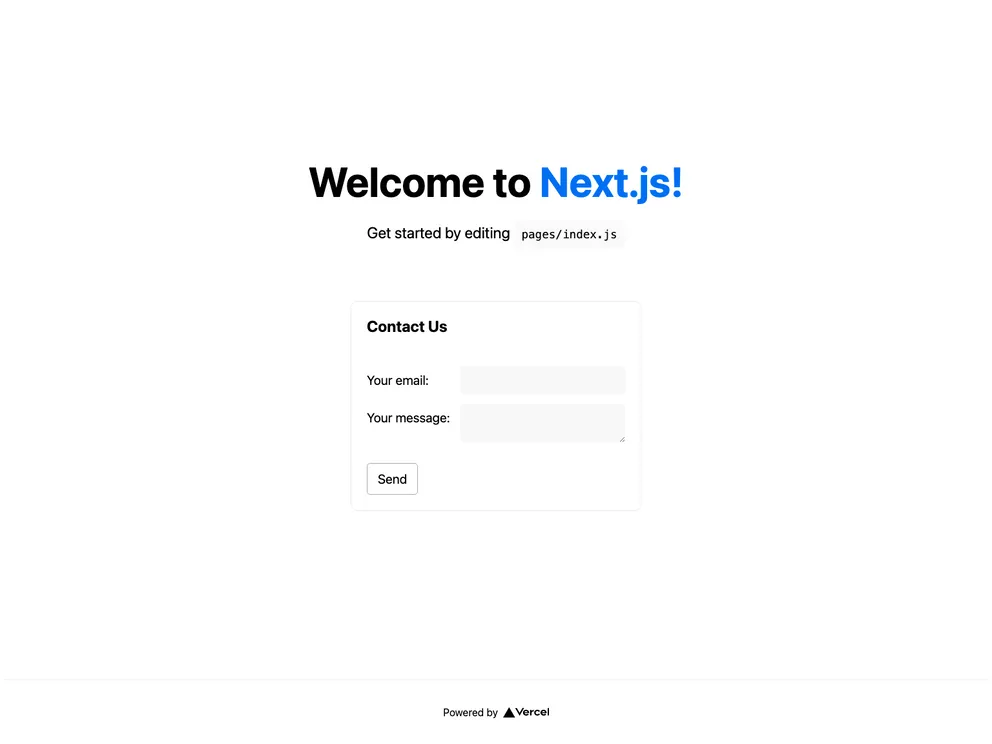
Overview
Integrating Formspree with Next.js enhances the capabilities of web forms by streamlining the process of form submissions without the need for complex backend setups. This integration allows developers to leverage Next.js’s powerful framework in conjunction with Formspree’s seamless form handling, making it an excellent choice for those looking to create responsive and interactive web applications quickly.
By following the provided examples and guidelines, you’ll be able to set up and deploy forms that are not only functional but also easy to maintain. Whether you are a seasoned developer or just starting out, this combination provides a straightforward path to implementing effective form solutions.
Features
- Easy Integration: Simplifies the process of handling form submissions with minimal configuration required.
- Real-time Feedback: Provides instant feedback to users when forms are submitted, enhancing user experience.
- Serverless Deployment: Deploy directly to Vercel, ensuring your forms are live and operational within minutes.
- Sample Code Available: Access to a complete example codebase that can be cloned and customized as needed.
- Documentation Support: Comprehensive guides are available for deeper understanding and troubleshooting.
- Customizable: Easily modify forms to fit specific requirements or branding styles.
- No Backend Required: Offloads backend complexities, allowing developers to focus on frontend development.






























































