


 Github Stars:
 Last Commit:
  Created:


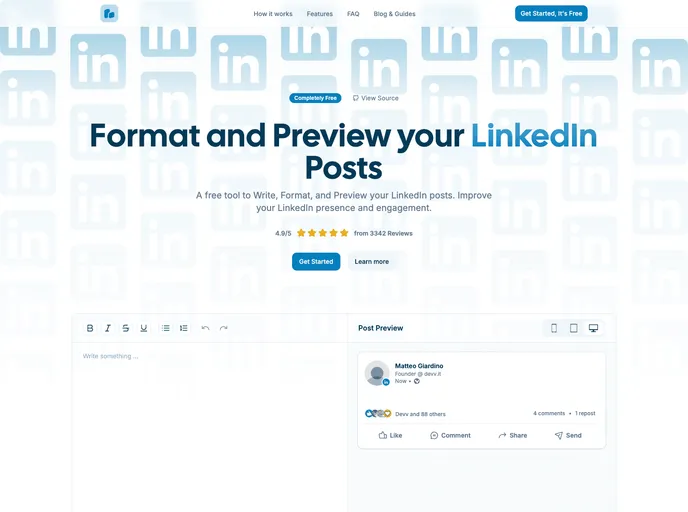
Overview
Managing your LinkedIn presence can often feel daunting, especially when it comes to creating eye-catching posts that stand out in a crowded feed. Fortunately, there’s a new online tool that simplifies this process. This free, open-source platform allows you to write, format, and preview your LinkedIn posts before they go live. With an intuitive interface, you can easily add personal touches such as bold text, italics, and even emojis, ensuring that your posts shine on both desktop and mobile devices.
Not only does this tool enhance your writing experience, but it also lets you visualize how your content will appear, granting you the confidence to publish with ease. Whether you’re a seasoned professional or just starting out, you’ll find this tool incredibly useful for elevating your LinkedIn game.
Features
- Preview LinkedIn Post on Mobile Devices: See how your posts will look on smartphones before publishing to ensure they’re mobile-friendly.
- Bold, Italic, Underline Text Formatting: Easily emphasize your key points using various formatting styles.
- Strikethrough Text Formatting: Make edits clear by showcasing what is no longer relevant in your posts.
- Bullet Point and Numbered Lists: Organize your ideas clearly to engage your audience visually.
- Responsive Design: Enjoy a seamless experience on all devices, whether you’re on a tablet, phone, or desktop.
- Light / Dark Mode: Switch between themes for comfortable reading based on your preference.
- SEO Optimized: Increase the visibility of your posts with integrated meta tags and JSON-LD features for search engines.
- Image Zoom and Code Syntax Highlighting: Enhance your posts with features that allow viewers to engage more deeply with your content.
This tool is designed to be user-friendly while providing powerful functionalities to polish your LinkedIn posts, making it an essential addition to any professional’s toolkit.





























































