


 Github Stars:
 Last Commit:
  Created:

Overview:
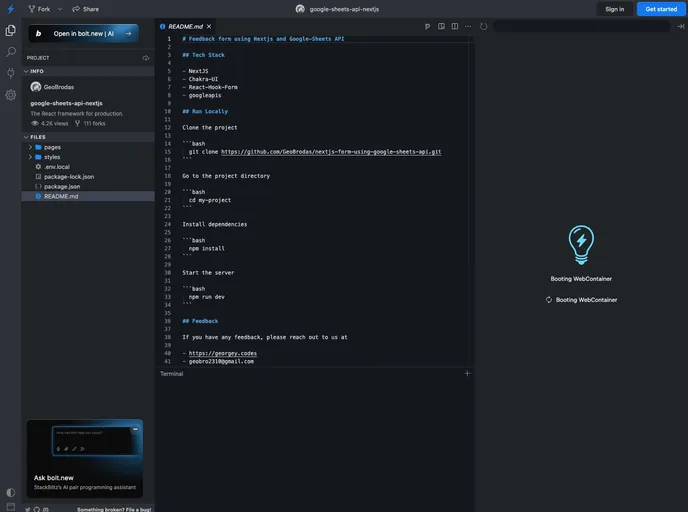
This product analysis examines a feedback form created using Nextjs and the Google Sheets API. The application utilizes a tech stack that includes NextJS, Chakra-UI, React-Hook-Form, and googleapis. The form allows users to submit feedback and stores the data in a Google Sheet.
Features:
- Nextjs: Utilizes Nextjs, a popular React framework, to create a server-side rendered application.
- Chakra-UI: Implements Chakra-UI, a component library, to enhance the styling and user interface of the feedback form.
- React-Hook-Form: Utilizes React-Hook-Form library for easier form handling and validation.
Installation:
To run the project locally, follow the steps below:
- Clone the project to your local machine.
- Navigate to the project directory.
- Install the project dependencies.
- Start the server.
Here is an example code snippet to install the project dependencies using npm:
npm install
To start the server, use the following command:
npm run dev
Summary:
This analysis explored a feedback form built with Nextjs and the Google Sheets API. The form incorporates a tech stack that includes NextJS, Chakra-UI, React-Hook-Form, and googleapis. Users can submit feedback, which is then stored in a Google Sheet. The provided installation guide allows for easy setup and running of the project locally.






























































