


 Github Stars:
 Last Commit:
  Created:


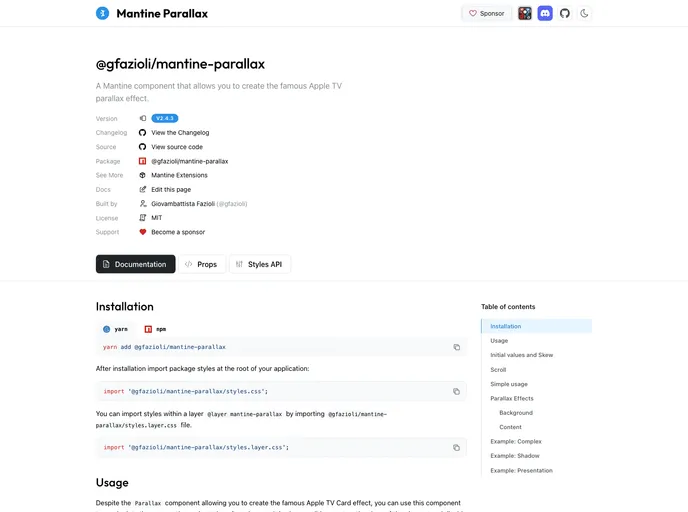
Overview
The Mantine Parallax Component is an innovative addition to the Mantine library, designed to bring captivating motion effects to user interfaces. This component is perfect for developers looking to enhance interactivity within their applications. With its ability to create immersive experiences through 3D transformations and hover effects, Mantine Parallax transforms the way designers and developers can engage users. The component has a variety of props that allow for significant customization, making it versatile for various use cases.
One standout feature is its integration with scroll-driven interactions, enabling animations to respond dynamically to user scrolling. This capability ensures that each element feels alive and synchronized with the user’s actions, enhancing the overall user experience. Whether you’re interested in creating striking cards, banners, or panels, Mantine Parallax provides the tools necessary to design responsive and visually stunning UI components effortlessly.
Features
Flexible Motion Effects: Create a range of interactive motion effects, from classic tilts to sophisticated 3D transformations.
Customizable Props: Fine-tune depth and response with props for perspective, rotation, skew, and light effects, giving developers precise control over animations.
Scroll-Driven Interactions: Utilize the
useWindowScrollhook to tie transformations to scroll position, making UI elements reactive to user movement.Independent Background Parallax: Achieve layered scenes with independent parallax effects for backgrounds, enhancing depth and immersion.
Guardrails for Control: Set disabled states or use large initial perspective values to prevent extreme configurations, ensuring a stable user experience.
CSS Layer Integration: Simplify styling and integration via provided CSS layers, allowing for quick implementation without compromising design.
Active Maintenance: The project is regularly updated, providing a reliable and evolving toolset for developers, supported by community sponsorship.


























































