


 Github Stars:
 Last Commit:
  Created:


Overview:
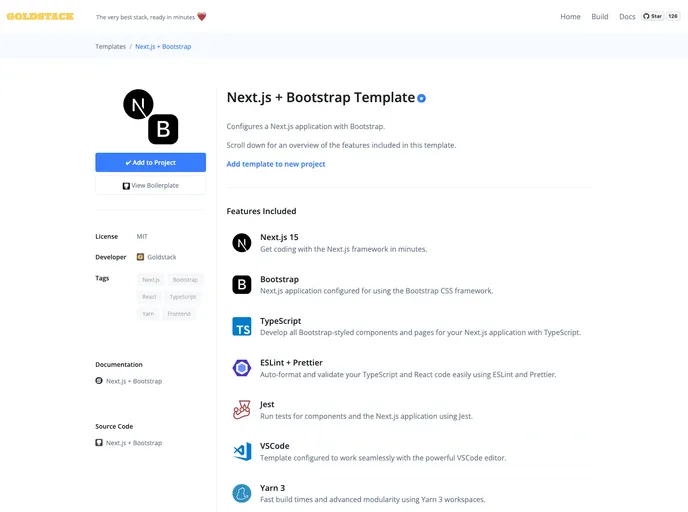
This product is a boilerplate for a Next.js + Bootstrap project with support for TypeScript. It is ready for deployment on AWS using low-cost and highly-scalable serverless infrastructure. The boilerplate has been automatically generated using a template and can be customized for specific projects. The installation process involves forking and cloning the repository, installing required dependencies, initializing the project, configuring VSCode, and setting up local development. Finally, if desired, the project can be deployed to AWS with some configuration changes.
Features:
- Next.js + Bootstrap framework
- Support for TypeScript
- Yarn package manager
- Ready for deployment on AWS
- Highly scalable serverless infrastructure
- Customizable boilerplate
- Integration with VSCode for optimized workflow
Installation:
To install and set up the theme, follow these steps:
- Fork and clone the repository.
- For more information, see GitHub documentation - Fork a repo.
- Install required local dependencies:
- Node v12+
- Yarn v1.22.5+
- Docker v19+
- Open a terminal and run the following commands:
// Verify or install Node.js and npm
// Verify or install Yarn
// Install Docker for Windows / Mac
- Initialize the project and install NPM dependencies:
- Run
yarnin your project directory. - This will install and download all project dependencies.
- The installation process may take 3-10 minutes depending on the dependencies.
- Run
- Build modules:
- Run
yarn buildin your project directory:// Building your project - This command also ensures that all TypeScript project references are configured correctly.
- Run
- Configure VSCode:
- Open the project in VSCode.
- If prompted, trust the authors of the workspace.
- Install the recommended extensions for this workspace.
- If you prefer to install the extensions manually, here are the required extensions:
- ESLint
- Prettier
- ZipFS (optional)
- Initialize TypeScript:
- Open a .ts or .tsx file in the workspace and allow the workspace TypeScript version.
- The TypeScript status icon should appear in the status bar at the bottom right-hand corner of the VSCode editor.
- Local Development:
- Navigate to the
packages/app-nextjs-bootstrapfolder. - Run
yarn watchto start a local development server.
- Navigate to the
- Deploy to AWS:
- Make necessary changes to the configuration files included in the project, specifically
goldstack.jsonin thepackages/app-nextjs-bootstrapfolder. - Follow AWS deployment procedures to deploy the project.
- Make necessary changes to the configuration files included in the project, specifically
Summary:
This product is a boilerplate for a Next.js + Bootstrap project with TypeScript support. It provides a ready-to-use setup for building and deploying a scalable serverless application on AWS. With easy installation and configuration steps, developers can quickly start developing and customizing their projects using this boilerplate.






























































