


 Github Stars:
 Last Commit:
  Created:


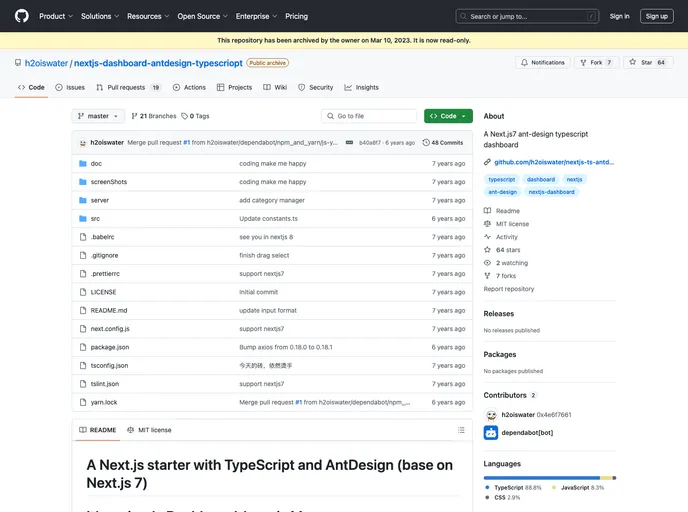
Overview:
This product is a Next.js starter with TypeScript and AntDesign, based on Next.js 7. It is a simple dashboard that follows the principle of “Less is More”. The main purpose of this product is to provide a lightweight and efficient framework for building dashboards.
Features:
- Next.js: The product is built on top of the Next.js framework, which offers server-side rendering and a simplified development experience.
- TypeScript: It integrates TypeScript, allowing developers to write strongly typed code and catch potential errors during development.
- AntDesign: The product utilizes the AntDesign UI library, providing pre-designed components and an aesthetically pleasing user interface.
Installation:
To install this Next.js starter, follow the steps below:
- Fork, clone, or download the product repository.
- Open a terminal and navigate to the project directory.
- Run the command
npm installto install the required dependencies. - Rename the file
.env.exampleto.env. - Open the
.envfile and replace the placeholdersLeanCloud API_KEYandAPP_IDwith your own values. - Run the command
npm run devto start the development server.
Summary:
This Next.js starter with TypeScript and AntDesign is an excellent choice for developers looking to build a lightweight dashboard. With its integration of Next.js, TypeScript, and AntDesign, it provides a solid foundation for creating efficient and visually appealing dashboards. The installation process is straightforward, making it accessible to developers of all skill levels.






























































