


 Github Stars:
 Last Commit:
  Created:


Overview:
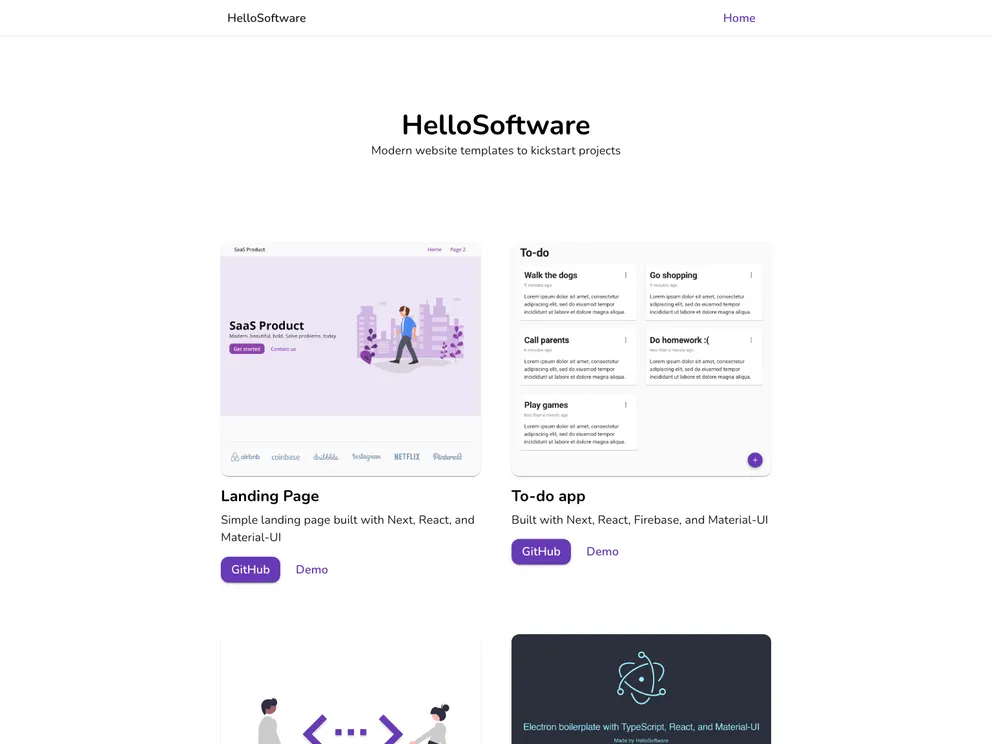
The Firebase Todo App is an example web application built using Next.js, React.js, Firebase, and Material-UI. It serves as a demonstration of key technologies and offers a starting point for developers looking to work with Next.js and Firebase. The app utilizes React context to manage user authentication state and welcomes contributions from the developer community.
Features:
- React.js 17: Harness the power of React.js, the popular JavaScript library for building user interfaces.
- Next.js 11: Build fast and scalable web applications with Next.js, a React framework that offers server-side rendering and other performance optimizations.
- Material-UI 5: Create visually appealing user interfaces using the Material-UI library, which provides a set of pre-designed components and styles.
- Firebase 9: Leverage the features of Firebase, a comprehensive platform for building web and mobile applications, to handle tasks such as user authentication and data storage.
- Typescript, ESLint, and Prettier: Enjoy a better developer experience with the support of Typescript for static typing, ESLint for code error checking, and Prettier for code formatting.
Installation:
To install the Firebase Todo App:
- Clone the repository.
- Navigate to the project directory in your command line.
- Run the command
npm installto install the project dependencies. - Create a Firebase project by following the instructions provided by Firebase.
- Copy your Firebase configuration details to the
.env.local.examplefile. - Rename the
.env.local.examplefile to.env.local. - Finally, run the command
npm run devto build and run the app locally.
Summary:
The Firebase Todo App serves as an example web application that showcases the capabilities of Next.js, React.js, Firebase, and Material-UI. It provides a starting point for developers looking to work with these technologies and demonstrates key concepts such as React context for managing user authentication state. The app encourages contributions from the developer community and is built with additional tools like Typescript, ESLint, and Prettier to enhance the developer experience.




























































