


 Github Stars:
 Last Commit:
  Created:


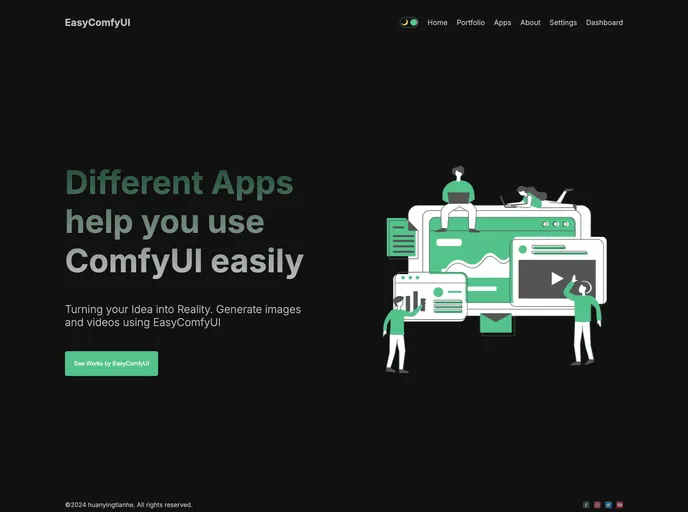
Overview
ComfyUI stands out as a versatile and powerful GUI and backend designed for stable diffusion. Despite its capabilities, the user experience may come with a steep learning curve, which can be a barrier for those who may want to dive right into creative projects. Luckily, ComfyUI streamlines workflows significantly, allowing users to focus on their content rather than the technical intricacies of the backend. The platform currently supports basic functionalities such as Text to Image and Video to Video, making it a valuable tool for creators looking to explore AI-generated content.
The roadmap for ComfyUI indicates ongoing enhancements, promising further support for features like Text to Video and Image to Video in the near future, which reflects a commitment to improving the user experience. This powerful tool not only facilitates the easy upload of images and videos, but it also allows users to customize their applications through defined parameters, thereby offering a tailored experience.
Features
User-Friendly Interfaces: Multiple input options including prompts and media uploads make it convenient to initiate projects without diving into complex backend settings.
Modular Design: Highly customizable, allowing users to specify parameters in their apps for a personalized workflow that adapts to their creative needs.
Multiple Content Types: Currently supports Text to Image, Text to Video, Image to Image, and Video to Video, catering to a variety of multimedia content creation needs.
Automatic Backend Setup: ComfyUI can initiate its backend automatically, simplifying the setup process for users and enabling a more efficient start to projects.
Roadmap for Expansion: An ambitious roadmap detailing future functionalities reveals growth potential, including mobile adaptation and additional content generation features.
Prisma ORM Integration: Simplifies database management and CRUD operations, streamlining backend tasks for developers and enhancing overall usability.
Local and Remote Support: Flexibility in database connection options, allowing users to use existing MySQL instances or set up new ones easily with Docker.
Community and Support: Access to resources and setup instructions fosters a supportive environment for users navigating the complexities of the platform.




























































