


 Github Stars:
 Last Commit:
  Created:

Overview
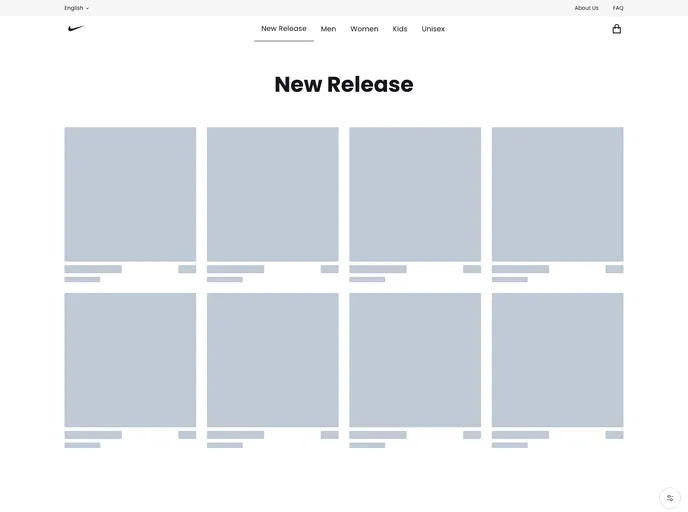
Shoes Commerce is a web application that allows users to browse and purchase shoes. It offers a list of shoes, detailed shoe information, the ability to add shoes to a shopping bag, and the option to change the quantity of items in the bag. The application utilizes various libraries and technologies such as Next.js, Chakra UI, Redux, Redux Toolkit, Redux Persist, RTK Query, and Stripe for a seamless and user-friendly experience.
Features
- List of Shoes: Users can view a comprehensive list of shoes available for purchase.
- Detailed Shoe View: Users can see detailed information about each shoe, including images, descriptions, and pricing.
- Add to Bag: Users have the option to add one or more shoes to their shopping bag.
- Quantity Adjustment: Users can easily change the quantity of shoes in their bag.
- Payment: Users can proceed to checkout and pay for the items in their shopping bag.
Installation
To install the Shoes Commerce web application, please ensure that you have Node.js v12.0.0 or higher installed on your system.
- Clone the project repository to your local machine.
- Open a terminal and navigate to the project directory.
- Run the following command to install the project dependencies:
npm install
- Once the installation is complete, you can start the application in development mode by running the following command:
npm run dev
- Open your browser and visit http://localhost:3000 to view the application.
Summary
Shoes Commerce is a feature-rich web application that allows users to browse, select, and purchase shoes. It provides a user-friendly interface with a variety of features such as detailed shoe views, the ability to add items to a shopping bag, and easy quantity adjustments. The application utilizes popular libraries and technologies including Next.js, Chakra UI, and Redux for enhanced performance and state management. With the integration of Stripe, users can seamlessly complete their purchases and enjoy a smooth checkout process.






























































