


 Github Stars:
 Last Commit:
  Created:

Overview
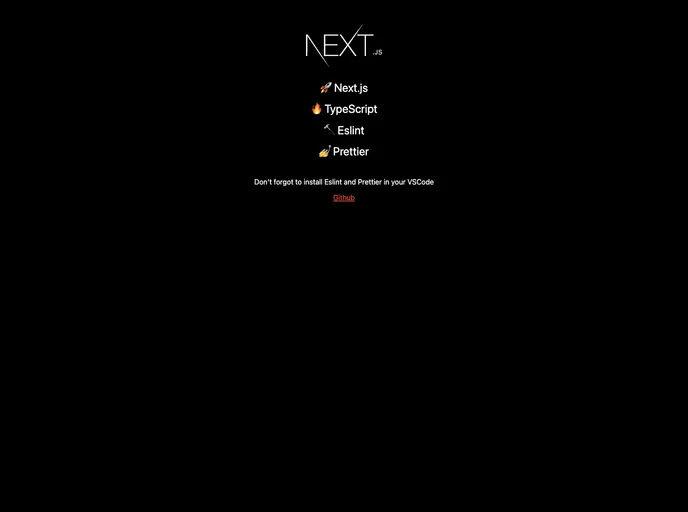
This product aims to simplify the process of creating a new project with Next.js, TypeScript, Eslint, and Prettier by automating the setup process. With just one command, users can have a new project set up and ready to go in seconds, without the need for any manual configuration. The product also provides additional features such as Alias Import, Hook Warning, and Prettier Warning to enhance development efficiency.
Features
- Alias Import: Easily import modules using aliases for cleaner and more organized code.
- Hook Warning: Receive warnings when using hooks incorrectly to avoid common pitfalls in Next.js projects.
- Prettier Warning: Automatically format code with Prettier and receive warnings if code does not meet formatting standards.
- Etc…: The product offers additional features that enhance the development experience, though specific details are not provided in this analysis.
Installation
To install this theme and set up a new project, follow these steps:
Clone the template repository.
git clone <repository-url>Install the necessary packages.
npm installStart the project.
npm run start
Note: If you are using git, remember to delete the existing .git folder after cloning the template.
Summary
This product provides a simple and efficient way to create a new project with Next.js, TypeScript, Eslint, and Prettier, automating the setup process and offering additional features to enhance development. With just one command, users can have a fully configured project ready to go, saving time and effort in manual setup.






























































