


 Github Stars:
 Last Commit:
  Created:


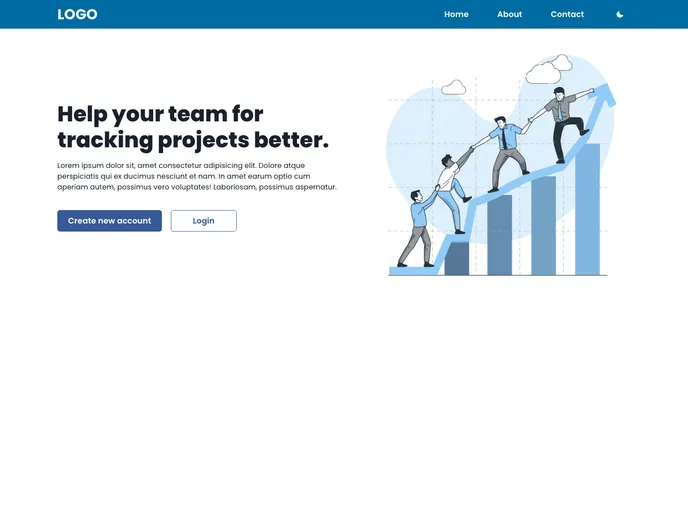
Overview
The product being analyzed is a theme built with Next.js and Chakra UI. It is designed to be ESLint ready, support Dark Mode, and be SEO friendly. The theme is available under the MIT License.
Features
- ESLint ready: The theme comes with ESLint configurations, making it easy to maintain code quality and catch errors early.
- Dark Mode ready: The theme supports a Dark Mode color scheme, allowing users to switch to a darker interface for better readability in low light.
- SEO friendly: The theme is designed with search engine optimization (SEO) best practices in mind, ensuring that websites built with this theme can achieve higher rankings in search results.
Installation
To use the theme, follow these steps:
- Create a new application using
create-next-appcommand with the-eor--exampleflag. Specify the repository URL of this theme. - Alternatively, you can use the “Use this template” button on the repository to create a new repository based on this theme.
- Clone the repository that was created and navigate to the project directory.
- Run
npm installoryarn installto install the dependencies. - Start the development server with
npm run devoryarn dev. - Your site will be running at
http://localhost:3000.
Summary
This product is a theme built with Next.js and Chakra UI, providing several key features such as ESLint readiness, support for Dark Mode, and SEO friendliness. The installation process is straightforward, making it easy to get started with the theme. Overall, this theme is a convenient option for developers looking to build websites with Next.js and Chakra UI.






























































