


 Github Stars:
 Last Commit:
  Created:


Overview
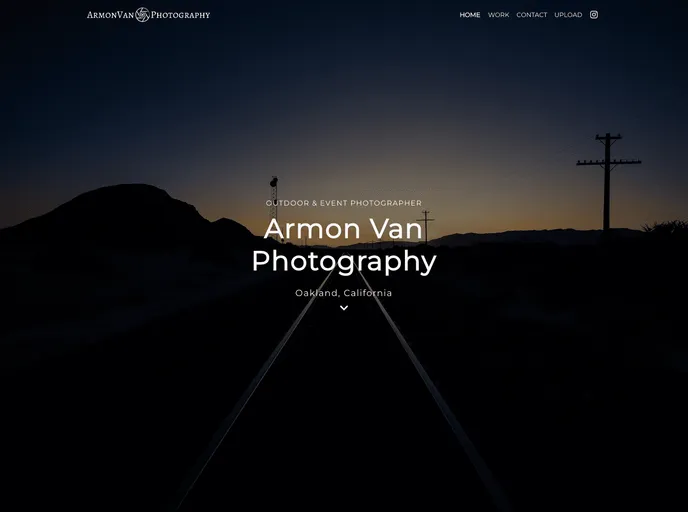
ArmonVan Photography is an online portfolio that showcases the work of a freelance photographer based in Oakland, California. The website is built using various technologies and incorporates a number of key features.
Features
- Content management powered by Strapi headless CMS: The website utilizes Strapi as its content management system, allowing the photographer to easily update and manage the content on the site.
- Static pre-rendered pages with Incremental Static Regeneration (ISR): The pages on the website are pre-rendered and served as static files, providing fast loading times and optimal performance. With Incremental Static Regeneration, the pages are re-generated in the background when changes are made to the content.
- Cloudinary used as default media storage provider for Strapi CMS: The website uses Cloudinary as the default media storage provider for the Strapi CMS, allowing for efficient storage and retrieval of media files such as images.
- Contact form service using Sendgrid API as serverless integration: The website incorporates a contact form, which is powered by the Sendgrid API. This serverless integration allows for seamless communication with the photographer through email.
- Responsive photo gallery with synchronized thumbnail controls and scrolling into view on smaller viewports: The website features a responsive photo gallery that adapts to different screen sizes. It includes synchronized thumbnail controls for easy navigation and scrolling into view on smaller viewports for enhanced user experience.
Installation
To install the ArmonVan Photography theme, follow the steps below:
Clone the repository:
git clone [repository-url]Install the required dependencies:
npm installConfigure the Strapi CMS and Cloudinary media storage provider.
Deploy the backend using Railway:
railway upDeploy the frontend using Vercel:
vercel --prodAccess the website using the provided URL.
Summary
ArmonVan Photography is an online portfolio that utilizes various technologies and incorporates key features such as content management with Strapi CMS, static pre-rendering with ISR, and a responsive photo gallery. The theme provides an efficient and visually appealing way to showcase the work of a freelance photographer.





























































