


 Github Stars:
 Last Commit:
  Created:


Overview:
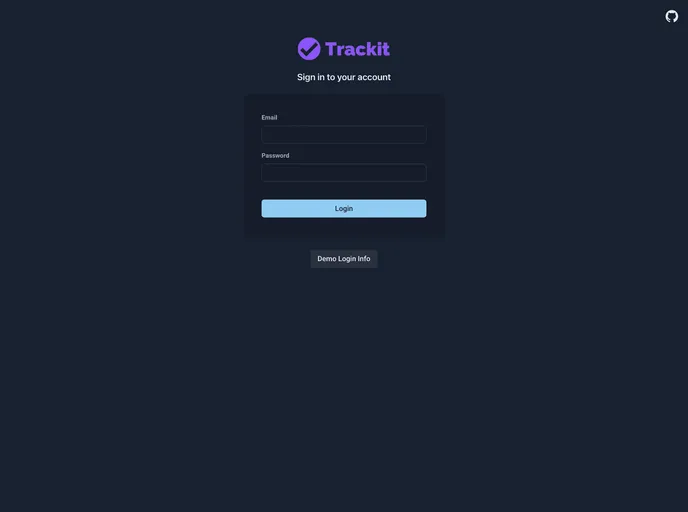
The Bug Tracker is a project management tool that allows team members to collaborate on project tasks, track and manage tickets, and monitor project statistics. It provides features such as team and project management, ticket management, user assignment, advanced searching, commenting, role-based organization, and custom field creation. The application is built using NextJs for the front-end, Chakra UI for the UI components, Axios for API calls, and Zustand for state management. Installation is straightforward, requiring the installation of Node.js and MongoDB, cloning the repository, installing dependencies, setting up the environment variables, and seeding the database. Overall, the Bug Tracker offers an efficient solution for project management and issue tracking.
Features:
- Team management: Create and manage teams within the Bug Tracker application.
- Project management: Create and manage projects, assign team members, and track project progress.
- Ticket management: Create and manage tickets for different projects, assign them to team members, and track their status.
- User assignment: Assign team members to projects and tickets, enabling efficient collaboration.
- Project statistics: Track project statistics such as progress, number of tickets, and completion rate.
- Advanced searching: Perform advanced search queries to filter tickets based on specific criteria.
- Commenting: Add comments to tickets to provide updates, ask questions, or collaborate with team members.
- Role-based organization: Create custom permissions and roles to define user access levels within the application.
- Custom field creation: Create custom fields for projects and tickets to capture additional information.
Installation:
To set up the Bug Tracker application locally, follow these steps:
Download Node.js and MongoDB:
Clone the repository:
- Fork the repository on GitHub and then clone it locally.
Install dependencies:
- Open the command line interface and navigate to the client and server directories.
- Run the following command in each directory to install the required dependencies:
npm install
Set up environment variables:
- Rename the
.env.EXAMPLEfile in the server directory to.env. - Update the
.envfile with the necessary environment variables.
- Rename the
Seed the database:
- Run the following command in the server directory to seed the database with initial data:
npm run seed
- Run the following command in the server directory to seed the database with initial data:
Run the client and server applications:
- In separate command line windows, navigate to the client and server directories.
- To start the client application, run the following command in the client directory:
npm run dev - To start the server application, run the following command in the server directory:
npm start
Setup Issue:
- If you encounter any issues during the setup process, create an issue in the Bug Tracker repository for assistance.
Give it a star:
- If you liked the Bug Tracker project, consider giving it a star on GitHub to show your support.
Summary:
The Bug Tracker is a comprehensive project management tool with features for team and project management, ticket management, user assignment, advanced searching, commenting, role-based organization, and custom field creation. It is built using NextJs, Chakra UI, Axios, and Zustand. The installation process involves downloading Node.js and MongoDB, cloning the repository, installing dependencies, setting up environment variables, and seeding the database. The Bug Tracker offers a user-friendly interface and efficient functionalities for effective project tracking and issue management.





























































