


 Github Stars:
 Last Commit:
  Created:

Overview:
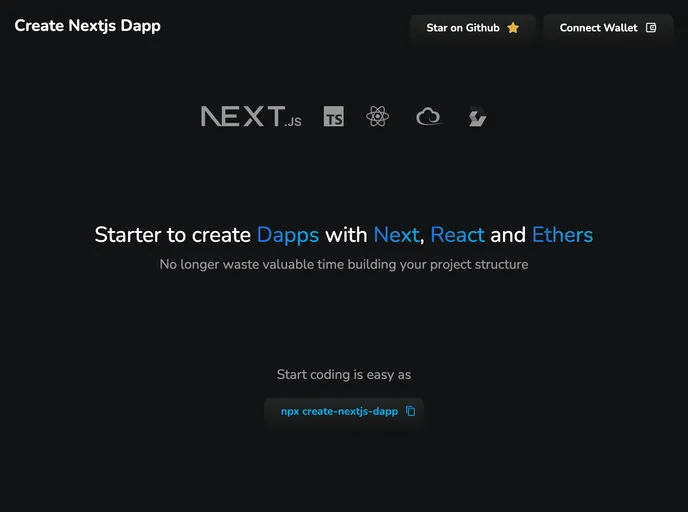
The Create Nextjs Dapp is a starter template for building Dapps using Nextjs, React, and ethers. It allows users to quickly start a new project by choosing a project name and a template from the available options. The template options include Base (No UI kit), MUI, Styled Components, and Tailwind. The project has been built using npm and ethers, and the installation process is straightforward.
Features:
- Starter Template: Choose from different starter templates including Base, MUI, Styled Components, and Tailwind.
- Next.js and React: Built using Nextjs and React, providing a powerful and efficient development environment.
- Ethers Integration: Integrated with ethers, a popular library for interacting with Ethereum blockchain.
- Customization Options: Each template provides customization options to easily modify and tailor the Dapp according to specific needs.
Installation:
To install the Create Nextjs Dapp starter template, follow these steps:
- Make sure you have Node.js installed on your machine.
- Open your terminal.
- Run the following command to create a new Next.js Dapp project:
npx create-nextjs-dapp
- Choose a project name and select a template from the available options.
- Wait for the installation process to finish.
- Once the installation is complete, you can start customizing and developing your Dapp.
Summary:
The Create Nextjs Dapp starter template provides a convenient and efficient way to build Dapps using Nextjs, React, and ethers. With a variety of template options to choose from and easy installation process, developers can quickly start their projects and customize them according to their specific needs. The integration with ethers allows for seamless interaction with the Ethereum blockchain. Overall, this starter template is a valuable resource for developers looking to build Dapps.






























































