


 Github Stars:
 Last Commit:
  Created:
Overview
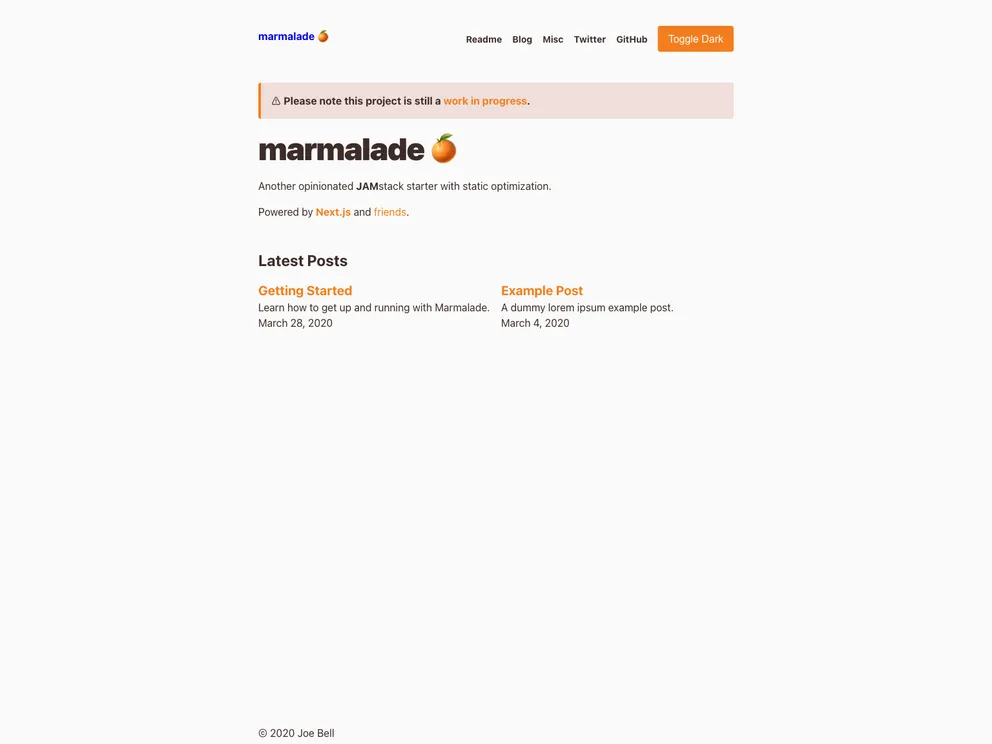
The Marmalade project is an opinionated JAMstack starter built using Next.js and other tools. It is designed to provide static optimization and comes with a range of features and customization options. The project is still a work in progress and is continuously being updated and improved.
Features
- Theme UI: Includes a default theme with customizable layouts and components.
- MDX: Supports MDX (Markdown with React components) via next-mdx-enhanced.
- Preact: Powered by Preact for faster rendering.
- TypeScript: Built with TypeScript for type safety.
- Multiple “posts” directories: Allows for multiple directories for blog posts with index pages.
- Tagging: Enables tagging with index pages.
- RSS feed generation: Generates RSS feeds for easy content syndication.
- Manifest generation: Generates a manifest for easy installation as a Progressive Web App (PWA).
- Extended front matter: Supports extended front matter for more flexible content organization.
- Deploy to Netlify or other platforms: Easily deploy the project to Netlify or any other hosting platform.
- ESLint, Prettier, and Commitizen: Includes ESLint and Prettier for code linting and formatting, and Commitizen for standardized commit messages.
Installation
To install the Marmalade project, follow these steps:
- Clone the repository:
git clone <repository_url> - Navigate to the project directory:
cd marmalade - Install dependencies:
npm install - Start the development server:
npm run dev - Open your browser and navigate to
http://localhost:3000
Summary
The Marmalade project is an opinionated JAMstack starter built using Next.js and other tools. It offers a range of features including theme customization, MDX support, tagging, RSS feed generation, and more. The project is still being actively developed and updated. Installation is straightforward and requires basic knowledge of Git and Node.js.






























































