


 Github Stars:
 Last Commit:
  Created:


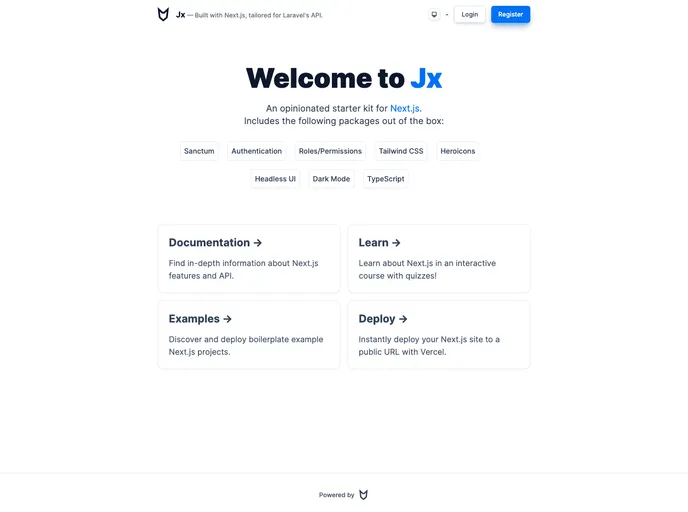
Overview
Jx is an opinionated application starter kit designed for building NextJS apps with a Laravel Sanctum API. It focuses on using Laravel’s backend API for authentication and utilizes CRSF tokens and sessions for secure authentication. Jx provides various features and packages to streamline the development process.
Features
- Laravel Sanctum compatible: Jx is designed to work seamlessly with Laravel Sanctum API for authentication.
- Authentication: Jx provides authentication functionality, allowing users to securely login and manage their sessions.
- Roles & Permissions: Jx includes support for roles and permissions, allowing you to control user access to certain areas or features of your application.
- Data Tables: Jx provides data table components that make it easy to display and interact with tabular data.
- Dark Mode: Jx offers a dark mode option for users who prefer a darker color scheme.
- SWR Requests: Jx integrates SWR (Stale-While-Revalidate) for data fetching, which helps improve performance and reduce network requests.
Installation
To get started with Jx, follow these steps:
- Create an
.envfile and specify your API URL. - Run the development server by executing the following command:
npm run dev - Open
http://localhost:3000in your browser to see the application. - Start editing the
pages/index.tsxfile to customize the page content. The changes will automatically be reflected in the browser. - For production deployment, build the NextJS app and run it using the following command:
npm run build
npm run start
Summary
Jx is a starter kit that provides a solid foundation for building NextJS apps integrated with a Laravel Sanctum API. It offers features such as authentication, roles and permissions, data tables, and dark mode. Jx aims to streamline the development process and provide a secure and efficient solution for building web applications.






























































