


 Github Stars:
 Last Commit:
  Created:



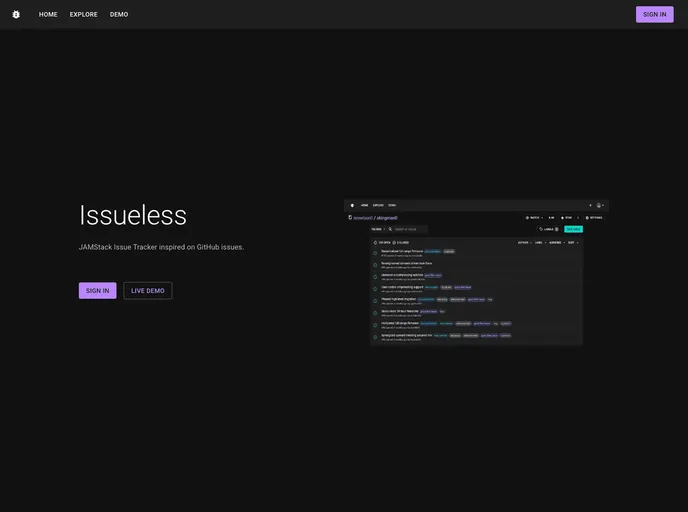
Overview:
The JAMStack Issue Tracker is a project inspired by GitHub issues. It utilizes a hybrid static and server rendering approach and serves as an issue tracking system. It supports features like OAuth sign-in services, markdown support, and a custom MUI theme. The project utilizes core dependencies including React, NextJS, Prisma, NextAuth.js, Material UI, SWR, Formik, Formik-material-ui, Yup, Date-fns, and React-markdown.
Features:
- Hybrid static & server rendering: The project leverages the benefits of both static and server rendering to offer improved performance and user experience.
- Serveless API routes: The project utilizes serveless API routes to handle various backend operations.
- OAuth sign-in services: It supports OAuth sign-in services, allowing users to sign in using their existing accounts from providers like Google, Facebook, etc.
- Markdown support: The project includes markdown support, enabling users to format and style their text effectively.
- Custom MUI theme: It offers a custom MUI theme, allowing users to customize the appearance and style of the issue tracker.
Installation:
To install the JAMStack Issue Tracker, follow the steps below:
- Install the required dependencies by running the following command:
npm install
- Start the application by running the command:
npm run dev
Summary:
The JAMStack Issue Tracker is a powerful project inspired by GitHub issues. It makes use of hybrid static and server rendering, serveless API routes, OAuth sign-in services, markdown support, and a custom MUI theme. With its core dependencies including React, NextJS, Prisma, NextAuth.js, Material UI, and more, it provides an efficient and feature-rich issue tracking system.



























































