


 Github Stars:
 Last Commit:
  Created:
Overview
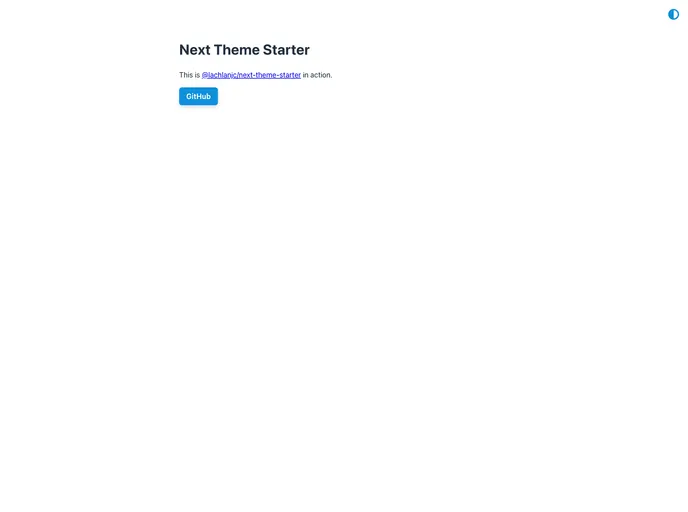
Next Theme Starter is a Next.js project that provides a sample setup for getting started with Theme UI, MDX, and TypeScript. It allows developers to easily create and customize their own themes, switch between different themes, and includes features like dependency updates and meta tags.
Features
- Theme switcher: The starter includes an example theme switcher component that is included on every page, allowing users to easily switch between different themes.
- Custom theme: By default, the starter includes a theme inspired by the Hack Club Theme, but users can easily edit and customize the theme by modifying the
lib/theme.tsfile. - Running at another port: Users can easily specify a different port for the server by using the
pnpm dev -p 5000command. - Dependency updates: The starter comes with a Dependabot configuration file that automatically generates pull requests every Monday with dependency updates. Users can disable this feature by deleting the
.github/dependabot.ymlfile. - Meta tags: The starter includes a Meta component for adding full meta tags. Users can set the default meta tags by modifying the
components/meta.tsxfile. The component is included inpages/_app.tsxso that all pages have the default tags, but users can also render the component multiple times to include custom tags on individual pages. - Icons: The starter does not include any iconsets, but it recommends a few options such as react-bootstrap-icons and react-ionicons.
- Adding analytics: The starter recommends using Fathom Analytics or Plausible.io for privacy-focused analytics.
- Deployment: The starter highly recommends using Vercel for deployment as it requires no configuration, is free for personal projects, and supports all the features of Next.js. Alternatively, users can deploy their site on Netlify.
Installation
To install Next Theme Starter, follow these steps:
- Import this repo to your coding environment of choice.
- Download the zip file or use the following command to create a new Next.js project with the starter:
yarn create next-app -e https://github.com/lachlanjc/next-theme-starter
- Install the dependencies using pnpm by running the following command:
pnpm install
- Start the server by running the following command:
pnpm dev
- You can now start adding your own pages and components in their respective directories.
Summary
Next Theme Starter is a Next.js project that provides a sample setup for creating themes in Next.js using Theme UI, MDX, and TypeScript. It includes features like a theme switcher, custom theme editing, meta tags, dependency updates, and recommends using Vercel for deployment. With Next Theme Starter, developers can quickly get started with creating and customizing themes in Next.js.






























































