


 Github Stars:
 Last Commit:
  Created:
Overview
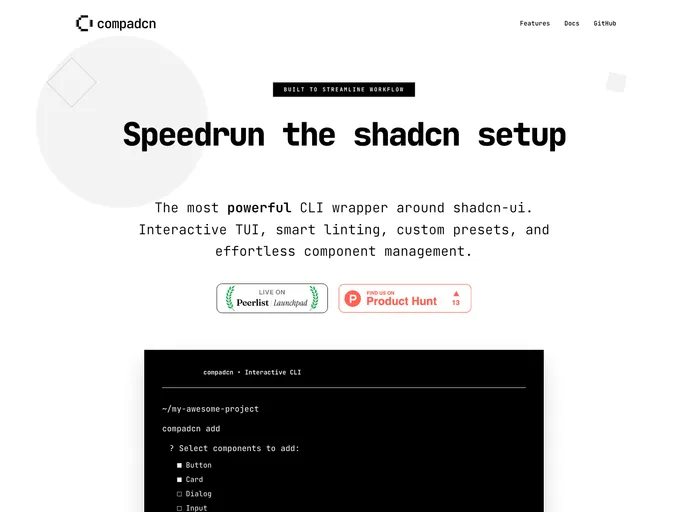
compadcn is an innovative CLI tool that streamlines the process of installing and managing ShadCN UI components with a range of preset functionalities. It offers developers a robust solution for enhancing their workflow, making it easier to add, remove, and manage UI components efficiently. This tool is particularly valuable for those working on ShadCN projects who want to maintain a clean and organized codebase.
With features like smart linting, automatic import cleanup, and custom preset management, compadcn enhances productivity while ensuring that unused components do not linger in your project. Its clear command structure makes it straightforward to integrate this tool into existing projects, helping developers remain focused on creating quality user interfaces.
Features
Easy component installation: Add ShadCN components with a single command, simplifying the setup process for new projects.
Smart linting: Quickly find and remove unused components, ensuring your codebase remains clean and efficient.
Import cleanup: Automatically removes imports when components are deleted, reducing manual cleanup tasks.
Dependency removal: Optionally remove unused dependencies along with deleted components to avoid project bloat.
Custom presets: Create and save collections of frequently used components, enhancing project consistency and efficiency.
Interactive removal with confirmation: Get an extra layer of security with confirmations before components are removed.
Scans your entire codebase: Thoroughly analyze your project to identify component usage patterns and streamline maintenance efforts.
Dependency conflict detection: Automatically alerts you to any conflicts with dependencies when managing components, which helps in maintaining project stability.





























































