


 Github Stars:
 Last Commit:
  Created:


Overview:
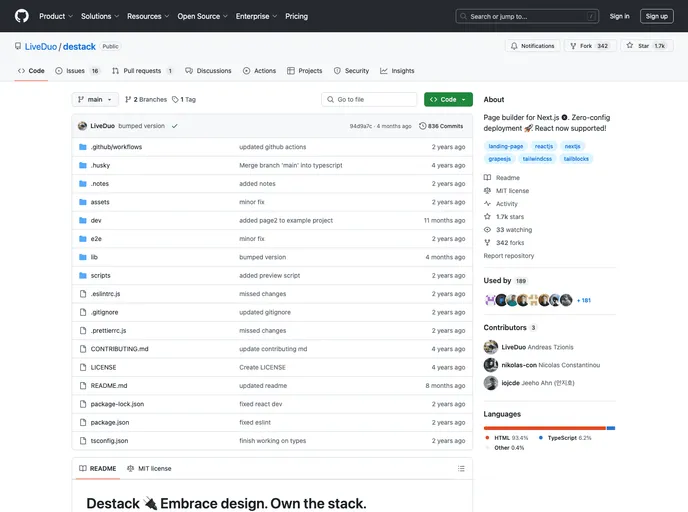
The Destack Starter is a basic example of a Destack project using Next.js. It consists of a single page that displays a visual editor (in development mode) and the compiled version (in production mode). The main functionality is handled by the pages/api/builder/handle.js file, which is responsible for saving and loading templates. The example can be easily deployed using Vercel or previewed in Gitpod.
Features:
- Basic Destack Project: This example provides a starting point for building a Destack project using Next.js.
- Visual Editor: The page showcases a visual editor for creating templates (in development mode).
- Compiled Version: The compiled version of the templates can be viewed on the page (in production mode).
- Template Handling: The
handle.jsfile manages the saving and loading of templates.
Installation:
To use the Destack Starter, follow these steps:
Clone the repository:
git clone [repository_url]Install the dependencies:
npm installRun the project in development mode:
npm run devFor production build, use the following command:
npm run buildRun the project in production mode:
npm startTo deploy the project using Vercel, follow the instructions in the official documentation.
Summary:
The Destack Starter is a sample project that showcases the basic structure and functionality of a Destack project using Next.js. It provides a visual editor for creating and previewing templates, along with the ability to save and load templates. The example can be easily deployed using Vercel or previewed in Gitpod.






























































