


 Github Stars:
 Last Commit:
  Created:





Overview
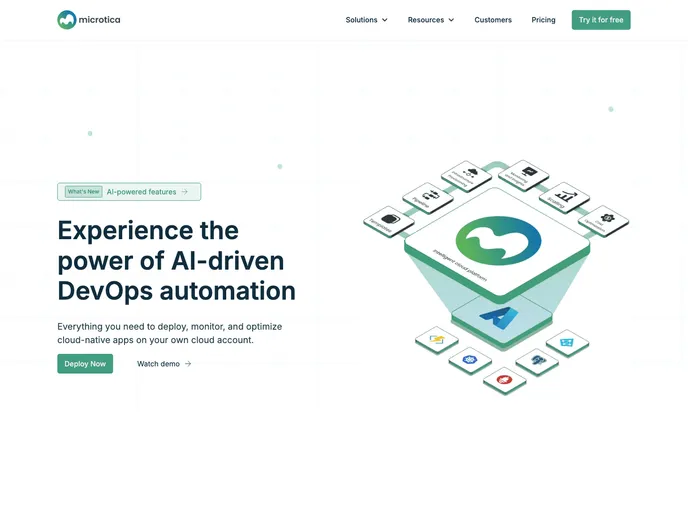
Microtica is a DevOps automation platform that allows developers to build solutions on AWS without needing to access the console directly. It offers a range of infrastructure and application templates with built-in security, monitoring, and scalability, facilitating automated cloud deployments.
Features
- Shared Kubernetes Cluster: Provides a ready-to-use Kubernetes cluster for easy setup.
- Git-push Deployments: Allows developers to deploy code by simply pushing to a Git repository.
- Automated Rollbacks: Enables automated rollbacks in case of deployment issues.
- Inline Configuration: Allows developers to configure settings directly in the code.
- Production-ready Security: Offers built-in security measures for secure deployments.
- Real-time Monitoring: Provides real-time monitoring capabilities for applications.
- Deployment History: Maintains a history of all deployments for easy tracking.
- AWS Cost Optimization (coming soon): Future feature to optimize AWS costs.
Installation
To get started with Microtica, follow the steps below:
- Sign up for an account on the Microtica website.
- Access the self-service portal and choose from a range of templates.
- Deploy the chosen template by following the provided instructions.
- Customize the template’s inline configuration to fit your needs.
- Benefit from built-in security, monitoring, and scalability features for your cloud deployment.
Summary
Microtica is a DevOps automation platform that simplifies AWS development by offering a range of infrastructure and application templates. With features like shared Kubernetes clusters, git-push deployments, and automated rollbacks, developers can easily deploy and manage their applications in the cloud. The platform also provides real-time monitoring, deployment history, and production-ready security features. While AWS cost optimization is a feature coming soon, Microtica aims to provide a comprehensive end-to-end solution for developers working on the cloud.




























































