


 Github Stars:
 Last Commit:
  Created:

Overview
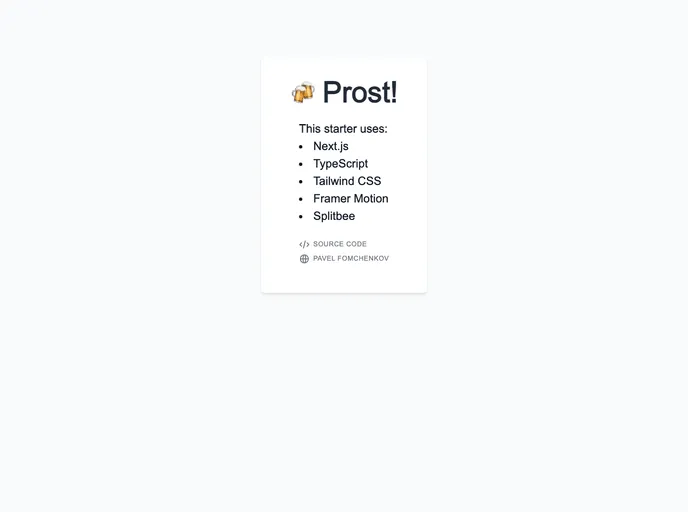
Prost! is a Next.js application template designed for building web applications. It requires Node.js and Yarn to be installed in order to build and run the application locally. The template also includes a deployment feature where every commit to the main branch is automatically deployed using Vercel, resulting in a deployed version of the application that can be viewed at prost.vercel.app.
Features
- Next.js Application Template: Prost! provides a ready-to-use Next.js application template that can be customized to build web applications.
- Node.js and Yarn: The application requires Node.js and Yarn to be installed in order to successfully build and run it locally.
- Automatic Deployment with Vercel: Every commit to the main branch triggers an automatic deployment using Vercel, resulting in a deployed version of the application that can be accessed at prost.vercel.app.
Installation
To install and run Prost! locally, follow these steps:
- Make sure you have Node.js and Yarn installed on your machine.
- Clone the Prost! repository to your local machine.
- Open a terminal and navigate to the cloned repository.
- Run
yarn installto install the dependencies. - Once the dependencies are installed, run
yarn devto start the development server.
Summary
Prost! is a Next.js application template that simplifies the process of building web applications. With its pre-configured environment and automatic deployment feature using Vercel, developers can quickly get started with developing their own applications. The installation process is straightforward and can be done locally using Node.js and Yarn.






























































