


 Github Stars:
 Last Commit:
  Created:


Overview:
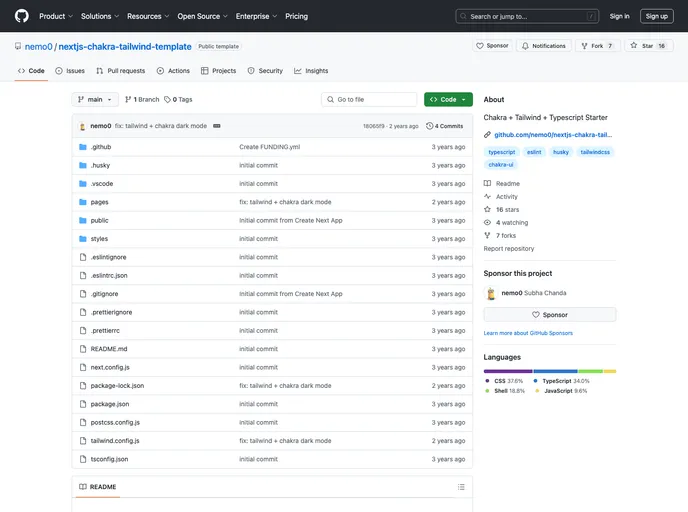
The NextJS TypeScript + ESLint + Prettier + Husky + Chakra UI + Tailwind CSS Setup is a template that provides a collection of tools to create a smoother build process. It is built with TypeScript to ensure better type-checking and enforces the Google style guide. With this template, developers can quickly start a side project without having to worry about setting up the necessary tools.
Features:
- Chakra UI: A component library for building user interfaces with pre-styled components.
- Tailwind CSS: A utility-first CSS framework for quickly designing websites.
- ESLint: A pluggable linter tool for identifying and reporting on patterns in JavaScript code.
- ESLint Config Google: A configuration that enforces the Google style guide for JavaScript code.
- Prettier: A code formatter that helps maintain consistent code style.
- Husky: A git hook manager that enables running scripts before commits are made.
Installation:
To get started with the template, follow these steps:
- Clone or fork the project repository.
- Install the required dependencies by running the command:
npm install. - To run the project in development mode, use the command:
npm run dev.
The template includes nine scripts that serve different purposes:
dev: Runs the development server.build: Builds the project.start: Starts the server.check-types: Performs type-checking.check-format: Runs prettier check.check-lint: Checks linting with ESLint.format: Formats the project with Prettier.test-all: Runscheck-format,check-lint,check-types, andbuild.prepare: Prepares husky.
Summary:
The NextJS TypeScript + ESLint + Prettier + Husky + Chakra UI + Tailwind CSS Setup template provides developers with an all-in-one solution for setting up a Next.js project with TypeScript, ESLint, Prettier, Husky, Chakra UI, and Tailwind CSS. With a variety of features and an easy installation process, this template allows for a smoother development experience and helps developers quickly start their side projects without worrying about the initial setup.






























































