


 Github Stars:
 Last Commit:
  Created:
Overview
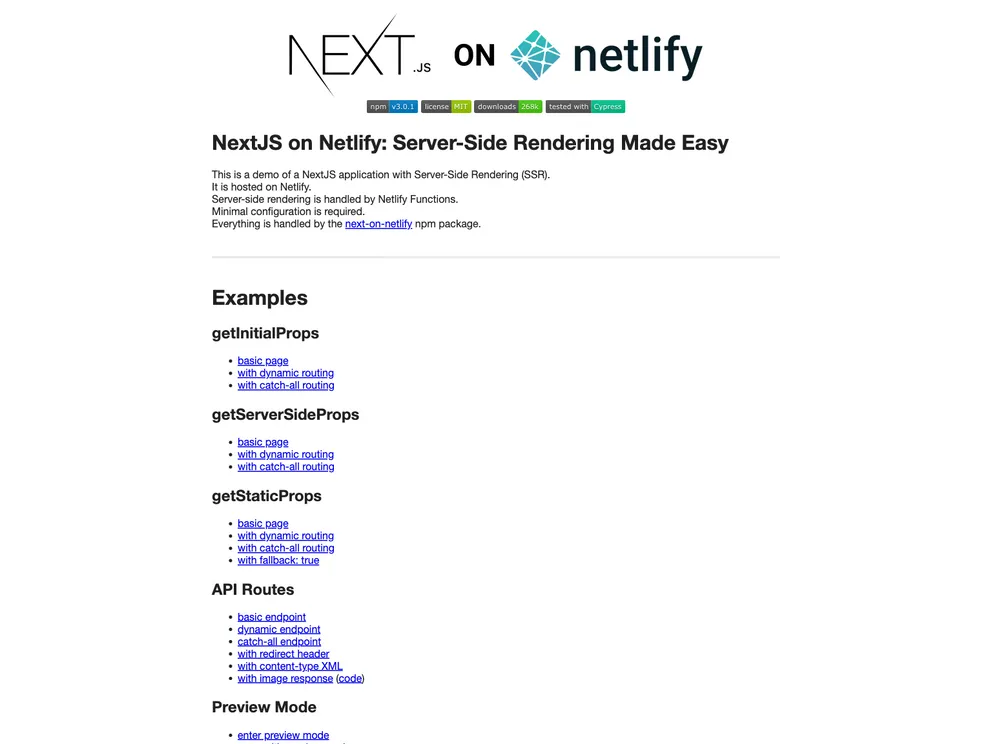
The next-on-netlify is a demo of a Next.js application with Server-Side Rendering (SSR). It demonstrates how to host a Next.js application on Netlify with minimal configuration using the next-on-netlify npm package. This package allows for server-side rendering by utilizing Netlify functions.
Features
- Server-Side Rendering (SSR)
- Next.js application
- Netlify hosting
- Minimal configuration
- Utilizing Netlify functions
Installation
To get started with next-on-netlify, follow these steps:
- Install the next-on-netlify npm package:
npm install next-on-netlify
- Configure Netlify functions in your Next.js application by creating a
netlify.tomlfile in the root directory of your project:
[build]
  functions = "src/functions"
- Create a Netlify function in the
src/functionsdirectory. This function will handle the server-side rendering:
// src/functions/render.js
const { renderToString } = require("react-dom/server");
const App = require("../path/to/your/App");

exports.handler = async (event, context) => {
  const html = renderToString(App);
  return {
    statusCode: 200,
    body: `<html>${html}</html>`,
  };
};
- Deploy your Next.js application to Netlify. This can be done using the Netlify command-line interface (CLI) or by linking your GitHub repository to Netlify.
Summary
The next-on-netlify is a demo that showcases how to host a Next.js application on Netlify with server-side rendering. It provides minimal configuration requirements and utilizes the next-on-netlify npm package to enable server-side rendering functionality. By using Netlify functions, the application achieves optimal performance and rendering capabilities.






























































