


 Github Stars:
 Last Commit:
  Created:


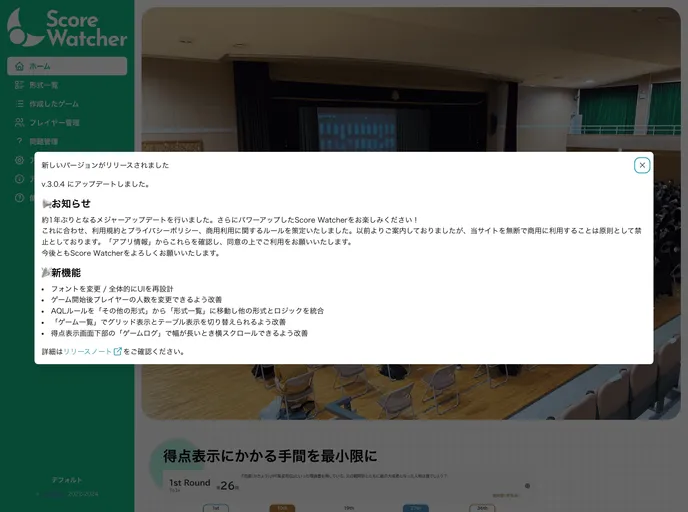
Overview:
next-score-watcher is a web application that visualizes the score situation of players in competitive quizzes. It currently supports 14 formats and not only displays scores and information about elimination or advancement, but also allows for displaying questions and mobile device compatibility. The application can be freely used by anyone for non-profit purposes. However, when used in open tournaments or similar events, it is appreciated if you inform @newt239. Function requests, bug reports, and other inquiries can be submitted via Twitter or GitHub’s Issue tracking system. To run this application locally, you will need Node.js (v16 or later) and pnpm. The application can be accessed on the browser, by default, it runs on port 5173 at http://localhost:5173/.
Features:
- Visualizes score situation: Allows users to visualize the scores of players in competitive quizzes.
- Supports multiple formats: Supports 14 different formats for various types of quizzes.
- Displays relevant information: Provides information about elimination or advancement and displays question texts.
- Mobile-friendly: The application is compatible with smartphones and can be accessed using a mobile browser.
Installation:
To run next-score-watcher locally, follow these steps:
- Install Node.js (v16 or later) if it’s not already installed.
- Install pnpm by running the following command:
npm install -g pnpm - Clone or download the project from the GitHub repository.
- Navigate to the project directory in your terminal.
- Run the following command to install the project dependencies:
pnpm install - After the installation is complete, start the application by running:
pnpm dev - The application will be accessible on your browser at http://localhost:5173/ by default.
Summary:
next-score-watcher is a web application designed to visualize the score situation of players in competitive quizzes. It offers support for multiple quiz formats and provides relevant information such as elimination or advancement details. The application is also compatible with mobile devices, allowing users to access it conveniently from their smartphones. It can be freely used for non-profit purposes, and feedback, feature requests, and bug reports can be submitted through Twitter or GitHub’s Issue tracking system. Users can also run the application locally by following the installation guide provided.





























































