


 Github Stars:
 Last Commit:
  Created:




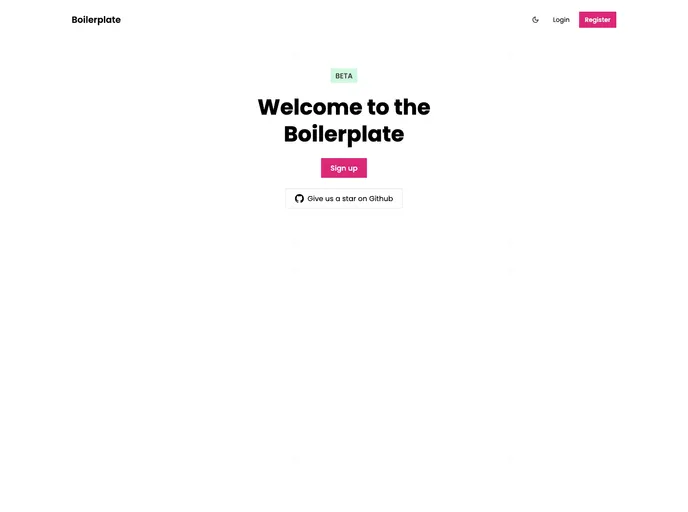
Overview:
This product is a comprehensive development stack that includes several technologies such as React, Remix, Next.js, Typescript, Prisma, Expo, and React Native. The stack is designed to provide a complete development environment for building web and mobile applications. It also includes features for user authentication and email handling. The stack has been optimized for ease of use and includes tools like ESLint and Prettier for code quality. The product can be installed locally by following the provided installation instructions.
Features:
- User authentication: The stack comes with pre-built user authentication functionality.
- Prisma: A powerful database toolkit for working with databases.
- Remix: A web framework for creating interactive and dynamic web applications.
- Next.js: A framework for server-rendered React applications.
- Expo: A set of tools and services for building and deploying native iOS and Android apps.
- React Native: A framework for building mobile apps using React.
- Typescript: A typed superset of JavaScript that compiles to plain JavaScript.
- Postgres/MySQL: Support for working with both Postgres and MySQL databases.
- Tailwind: A utility-first CSS framework for rapidly building custom designs.
- ESLint: A tool for identifying and reporting on patterns found in JavaScript code.
- Prettier: A code formatter that helps maintain consistent code style.
- Resend: An email service for sending emails.
Installation:
To install the stack locally, follow these steps:
- Make sure you have Node.js and pnpm (package manager) installed on your machine.
- Open your terminal and navigate to the project directory.
- Run the command
pnpm ito install the required dependencies. - Create a database and add the connection string to a .env file in the project directory. You can use the provided .env.example file as a template.
- Navigate to the “packages/database” directory in your terminal.
- Run the command
pnpm db:pushto push the database to the server. - Make sure you have created a .env file in the project directory with the correct values. You can use the provided .env.example file as a template.
- For development, run the command
pnpm run dev. - For production, create a Resend account and set a RESEND_API_KEY environment variable in the .env file.
- For deployment, the stack uses Vercel.
Summary:
This product is a comprehensive development stack that includes all the necessary tools and technologies for building web and mobile applications. It comes with features like user authentication, database integration, email handling, and more. The installation process is straightforward and well-documented, making it easy to set up the stack locally. The stack is designed to provide an efficient and productive development environment, with tools like ESLint and Prettier for code quality. Overall, this product offers a robust and complete solution for building modern applications.


























































