


 Github Stars:
 Last Commit:
  Created:




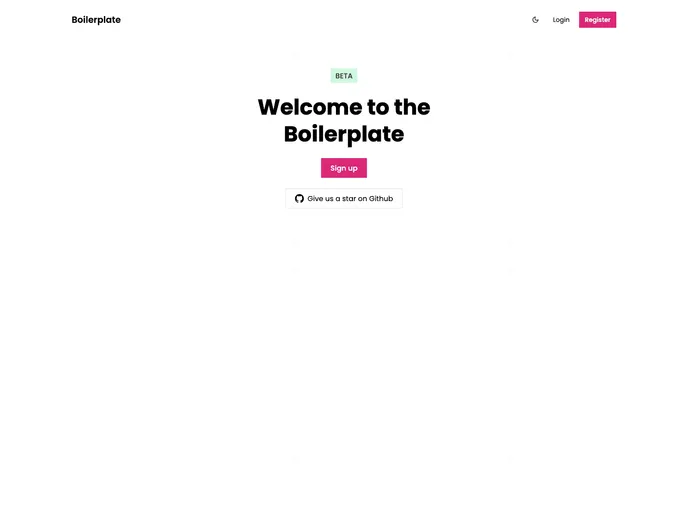
Overview
BoilerplateBuilt is a robust software development stack built by No Quarter. It is recommended for developers who are comfortable with technologies such as Typescript, React, React Native, GraphQL, Prisma, and more. It comes with user authentication included and provides a customizable theme with dark mode support. With additional features such as Eslint, Prettier, and Sentry, BoilerplateBuilt offers a comprehensive solution for web, app, and API development.
Features
- Typescript + React + React Native + GraphQL + Prisma: BoilerplateBuilt is built on top of these technologies, providing a solid foundation for development.
- User Authentication: User authentication functionality is included in the stack, saving developers time and effort.
- Web, App & API Monorepo: All components of the project are managed in a single repository, making collaboration and version control easier.
- Next.js & Expo: BoilerplateBuilt supports both Next.js for web development and Expo for cross-platform app development.
- TypeGraphQL & Prisma: These tools are integrated into the stack to streamline GraphQL API development and database management.
- React Hook Form & Chakra UI: BoilerplateBuilt provides integration with React Hook Form for efficient form handling, along with customizable UI components from Chakra UI.
- Customizable Theme & Dark Mode: The theming system in BoilerplateBuilt is highly customizable, allowing developers to easily adapt the look and feel of their applications. Dark mode support is included out of the box.
- Eslint & Prettier: Linting and code formatting tools are integrated for maintaining consistent code quality and style.
- GraphQL Code Generator: BoilerplateBuilt makes use of GraphQL Code Generator to automatically generate TypeScript typings based on GraphQL schema and queries.
- Sendgrid SMTP: Integration with Sendgrid allows for easy setup of email sending functionalities.
- Sentry: Sentry is used for error tracking and monitoring in the stack.
- Husky & Lint-Staged: Husky is used to run pre-commit checks such as code formatting and linting using Lint-Staged.
Installation
To get started with BoilerplateBuilt, follow these steps:
- Install Node.js, Yarn, Postgres, and Redis on your machine if you haven’t already.
- Clone the BoilerplateBuilt repository.
- If you’re working on a purely web project, delete the “app” folder.
- Install dependencies:
yarn install - Create a local Postgres database.
- Create a
.envfile in the root of the project and update theDATABASE_URLwith your local Postgres database URL. - Migrate the database:
yarn migrate - Set up Husky by creating a
.huskyrcfile in your home directory and adding the following configuration:Run the following command in the root of the project:{ "hooks": { "pre-commit": "yarn pre-commit" } }yarn update-hooks - If you want to use AWS S3 for image/file hosting, follow the setup process mentioned [here](AWS S3 setup link).
Summary
BoilerplateBuilt by No Quarter is a powerful software development stack that provides a comprehensive set of tools and features for web, app, and API development. With its modern technologies, integrated user authentication, customizable theme, and a range of other features such as linting, code formatting, and error tracking, BoilerplateBuilt offers developers a solid foundation to build their projects upon. The installation process is well-documented and easy to follow, ensuring a smooth development experience.



























































