


 Github Stars:
 Last Commit:
  Created:


Overview:
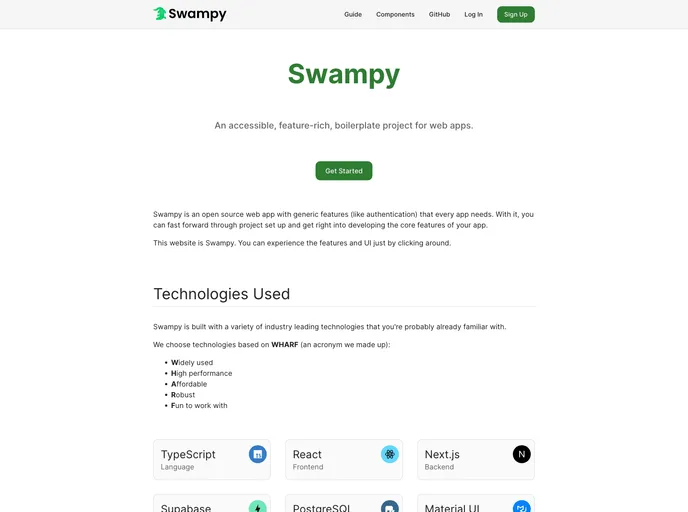
Swampy is an open-source web app boilerplate that provides generic features such as authentication that are necessary for every application. It aims to simplify the setup process so that developers can quickly start building the core features of their app. Swampy has an intuitive project structure that allows for easy customization while maintaining organization.
Features:
- Generic Features: Swampy includes generic features like authentication that are commonly required in web applications.
- Intuitive Project Structure: The project structure of Swampy is designed to make it easy to add and customize functionality while keeping everything organized.
- Environment Configuration: Swampy allows you to configure environment variables and code formatting rules.
- Public Resources: The public directory in Swampy is used for storing public resources, such as images.
- Database Scripts: Swampy includes pre-configured database scripts for setting up important triggers.
- Prisma Integration: Swampy provides files for managing Prisma’s object-relational mapping for the PostgreSQL database.
- Page Components: Swampy provides a folder for creating components that render each page based on the given path.
- API Routing: The API folder in Swampy allows for creating API paths using Next JS routing.
- Common Components: Swampy includes a common folder for storing general components and utilities.
- Module Separation: Swampy’s modules folder contains separate modules for different aspects of the application, such as authentication and messaging.
Installation:
To install Swampy, follow these steps:
Clone the Swampy repository to your local machine:
git clone https://github.com/swampy/swampy.gitNavigate to the cloned directory:
cd swampyInstall the required NPM packages:
npm installConfigure the environment variables and code formatting rules in the top-level
swampydirectory.Move any public files, such as images, to the
swampy/publicdirectory.Customize the database scripts in the
swampy/scriptsdirectory if needed.Manage the Prisma ORM files in the
swampy/prismadirectory to handle database schema and migrations.Start developing your application by adding code to the
swampy/srcdirectory.
For more detailed documentation, refer to the official Swampy website.
Summary:
Swampy is an open-source web app boilerplate that aims to simplify the setup process for developers. It provides generic features like authentication and an intuitive project structure that allows for easy customization while maintaining organization. With Swampy, developers can quickly start developing the core features of their application without spending time on repetitive setup tasks.




























































