


 Github Stars:
 Last Commit:
  Created:

Overview
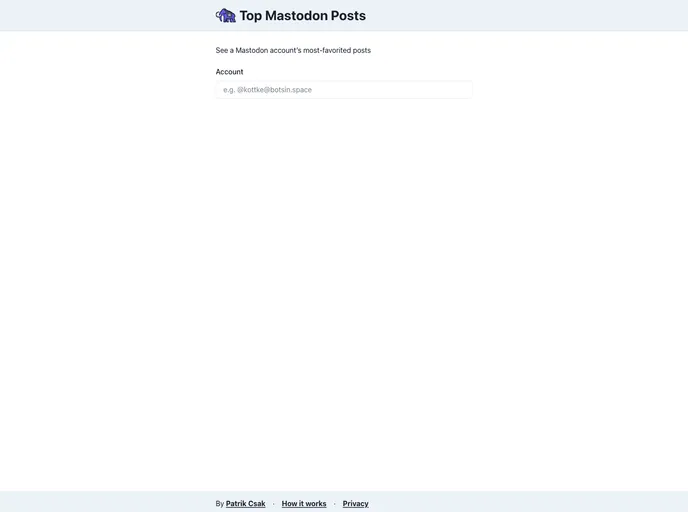
This document provides an analysis of a Mastodon-related project called “Top Mastodon Posts.” The project aims to showcase the most favorited posts from a Mastodon account. The analysis will cover the key features of the project, a guide to installing the theme, and a summary of the article.
Features
- Top Mastodon Posts: The project displays the most favorited posts from a Mastodon account, allowing users to easily discover popular content.
- Account Filtering: Users can specify the Mastodon account for which they want to see the top posts, enabling personalized results.
- Post Display: The theme presents the favored posts in a visually appealing format, showcasing their content and attracting user attention.
Installation
To install the “Top Mastodon Posts” theme, follow these steps:
- Clone the source code from the repository.
git clone [repository_url]
- Navigate to the project directory.
cd top-mastodon-posts
- Install the project dependencies.
npm install
- Run the development server.
npm run dev
- Open your browser and visit
http://localhost:3000to view the application.
Summary
The “Top Mastodon Posts” project is a Next.js-based application that highlights the most favorited posts from a Mastodon account. By providing account filtering and an appealing post display, users can easily explore popular content from their favorite Mastodon accounts. The installation process involves cloning the repository, installing dependencies, and running the development server.






























































