


 Github Stars:
 Last Commit:
  Created:

Overview:
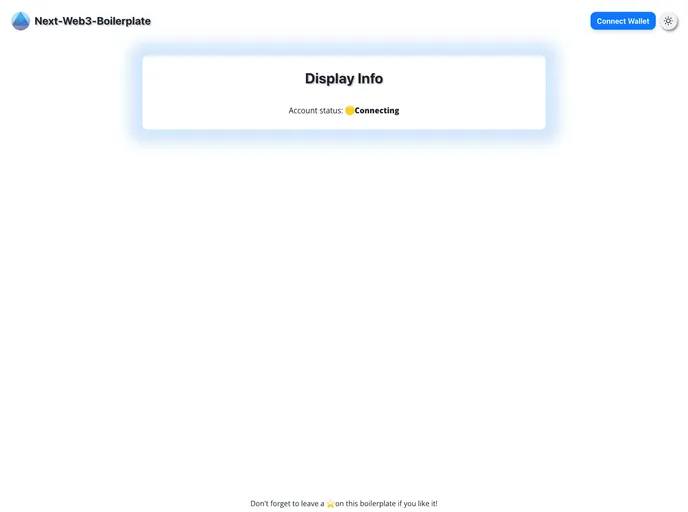
The Next-Web3-Boilerplate is a simple and minimalist Web3 boilerplate designed to enhance Dapp development. It is built using the latest technologies such as Next.js, Viem, Wagmi, RainbowKit, ChakraUI, and TypeScript. The boilerplate already includes configurations for Eslint, Prettier, and Husky, making it a perfect starting point for web3 projects. It offers features like web3 wallet status, chain selector, block number and chain ID, wallet balance, sign messages and transfer native, dark mode support, and a hook to query user’s token balances.
Features:
- Web3 Wallet Status: Supports MetaMask, Rainbow, Coinbase Wallet, and WalletConnect.
- Chain Selector: Allows users to select a chain.
- Block Number / Chain ID & Name: Displays the current block number, chain ID, and name.
- Wallet Balance: Shows the balance of the connected wallet.
- Sign Messages & Transfer Native: Allows users to sign messages and transfer native currency.
- Dark Mode Support: Provides support for dark mode.
- Hook to Query User’s Token Balances: Offers a hook to query and retrieve the user’s token balances.
Installation:
To install the Next-Web3-Boilerplate, follow these steps:
- Ensure that you have Node.js installed (developed on LTS v18) and TypeScript installed (developed on v5.2.2).
- Choose one of the following package managers to be installed:
- bun
- pnpm
- yarn
- npm
- Make sure you have the MetaMask extension (or any web3 compatible wallet) installed in your browser.
- Once your configuration is ready, create a new repository and open your favorite code editor.
- Clone the Next-Web3-Boilerplate repository by running the following command:
git clone [repository URL] - Install all package dependencies by running the following command:(Note: Double-check your package.json to ensure that you have installed the exact same version for all @web3-react packages. If version 8+ is still in beta, it may not be automatically installed.)
npm install - Add your API keys in the .env file:
- Remove the
.examplefrom the.env.examplefile name at the root of the project. - Add your API keys inside the updated
.envfile. - The WalletConnect project ID is now required since the v2 update. You can create one easily on the WalletConnect dashboard.
- You can also use any other node provider instead of or in addition to Alchemy.
- Remove the
- To start the Next-Web3-Boilerplate, run the development server with the following command:
npm run dev - Open http://localhost:3000 in your browser to see the result.
Summary:
The Next-Web3-Boilerplate is a Web3 boilerplate built using modern technologies such as Next.js, Viem, Wagmi, RainbowKit, ChakraUI, and TypeScript. It offers a minimalistic and simple approach to Dapp development, providing features like web3 wallet status, chain selector, block number and chain ID, wallet balance, sign messages and transfer native, dark mode support, and a hook to query user’s token balances. By following the installation guide, developers can quickly set up and start using the Next-Web3-Boilerplate for their web3 projects.






























































