


 Github Stars:
 Last Commit:
  Created:


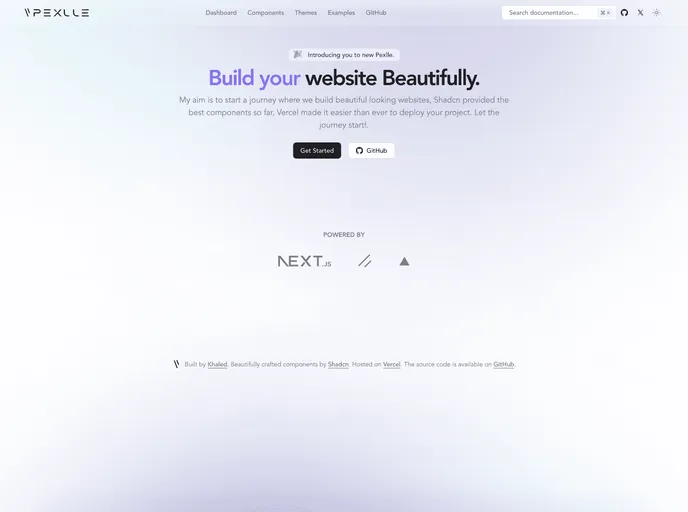
Overview
This is a Next.js project created with create-next-app for easy development. It includes instructions on setting up the development server and modifying the web page. The project uses next/font to optimize and load the Inter Google Font automatically.
Features
- Next.js Project: Built with create-next-app for efficient development.
- Development Server: Easily run the development server to preview changes.
- Live Editing: Auto-updates the page as you modify the files.
- Font Optimization: Utilizes next/font to load the Inter Google Font efficiently.
- Documentation: Provides resources to learn more about Next.js and its features.
- Deployment on Vercel: Offers easy deployment using the Vercel Platform.
Installation
- To start the development server, run the following command:
npm run dev - Open http://localhost:3000 in your browser to view the result.
- Modify the app/page.tsx file to edit the page content.
- For optimized font loading, use next/font with the Inter Google Font.
Summary
This Next.js project is easy to set up and includes features like live editing, font optimization, and resources for learning more about Next.js. It also provides guidance on deploying the project using the Vercel Platform.





























































