


 Github Stars:
 Last Commit:
  Created:

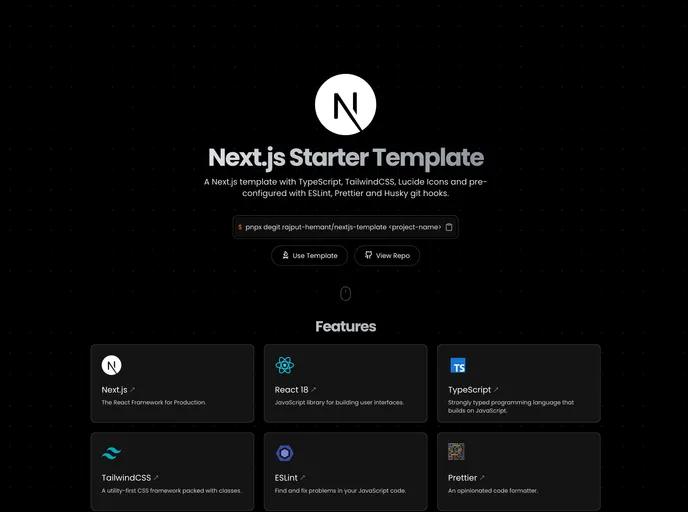
Overview
The Next.js Starter Template is a minimalistic starting point for developing web applications using Next.js, TypeScript, and Tailwind CSS. It comes pre-configured with additional tools such as ESLint, Prettier, and Husky to enhance code quality and maintainability. This template provides a robust foundation for building production-ready applications with modern web development technologies.
Features
- Next.js - A React framework for production
- App Router - A new paradigm for building applications using React’s latest features
- Tailwind CSS - A utility-first CSS framework for rapid UI development
- TypeScript - A typed superset of JavaScript that compiles to plain JavaScript
- ESLint - The pluggable linting utility for JavaScript and JSX
- Prettier - An opinionated code formatter
- Husky - A tool that makes Git hooks easy
- lint-staged - Run linters against staged Git files
- commitlint - Lint commit messages
- bun - A JavaScript runtime with a fast and disk-space efficient package manager
Installation
To get started with the Next.js Starter Template, follow these steps:
Install degit globally:
npm install -g degitCreate a new project from this template:
degit username/repository#main new-project-folderNavigate to the new project folder:
cd new-project-folderInstall the dependencies:
npm install
Optional Steps:
- Initialize a new Git repository:
git init
Summary
The Next.js Starter Template provides a minimalistic and well-configured starting point for developing web applications using Next.js, TypeScript, and Tailwind CSS. It includes all the necessary tools and libraries to enhance code quality and maintainability. By following the installation guide, developers can quickly set up a project and start building production-ready applications with modern web development technologies.






























































