


 Github Stars:
 Last Commit:
  Created:


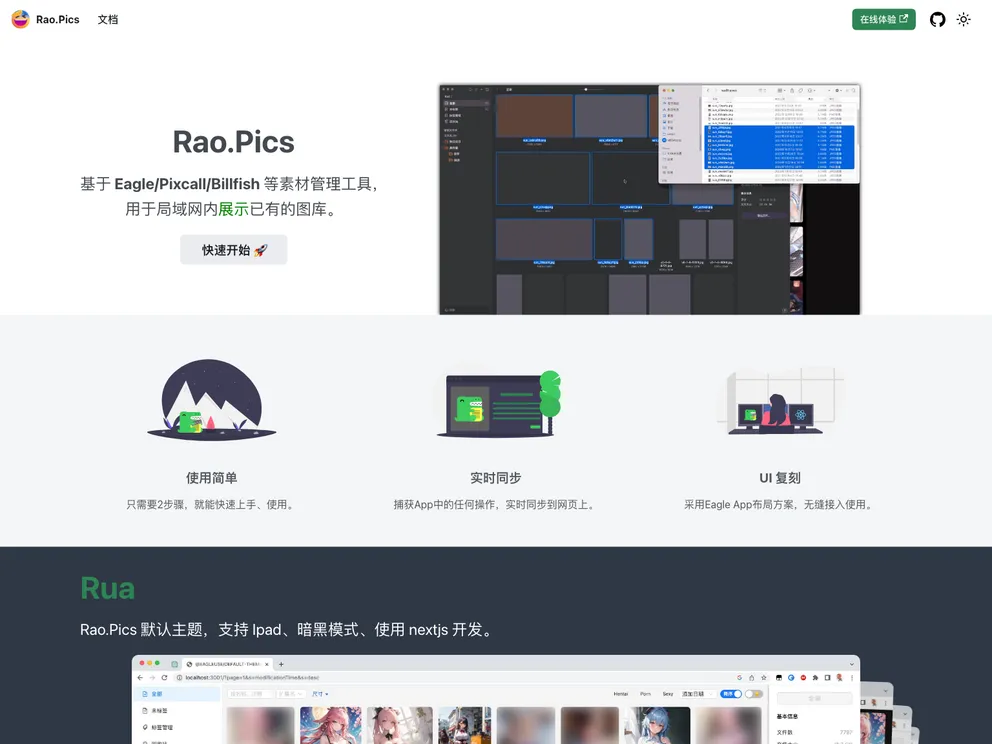
Overview:
Ruarao.pics is a default theme that supports iPad, dark mode, and is developed using Next.js. It is a theme designed for showcasing and sharing photos.
Features:
- iPad Support: The theme is optimized to work well on iPad devices, providing a seamless browsing experience.
- Dark Mode: Ruarao.pics supports a dark mode, allowing users to switch to a darker color scheme for better visibility in low-light environments.
- Next.js Development: The theme is developed using Next.js, a popular React framework that enables fast and efficient server-side rendering of web pages.
Installation:
To install the Ruarao.pics theme, follow these steps:
- Make sure you have Node.js installed on your machine.
- Create a new Next.js project by running the following command in your terminal:
npx create-next-app my-app - Change into the project directory:
cd my-app - Install the necessary dependencies by running the following command:
npm install ruarao-pics-theme - In your Next.js project, create a new file named
.envin the root directory. - In the
.envfile, configure the necessary environment variables required for running the theme. - Import and use the Ruarao.pics theme in your Next.js application.
Summary:
Ruarao.pics is a default Next.js theme that supports iPad and dark mode. It is a simple and visually appealing theme designed for showcasing and sharing photos. Its use of Next.js enables efficient server-side rendering and its compatibility with iPad devices and dark mode provides a great user experience.





























































