


 Github Stars:
 Last Commit:
  Created:

Overview
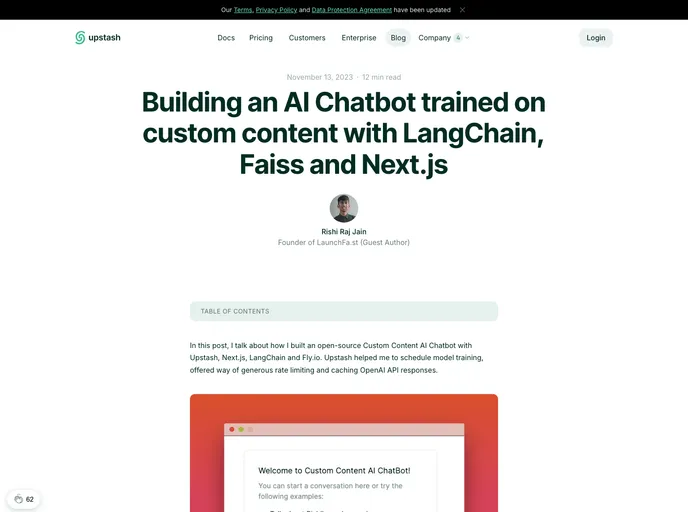
This article serves as an introduction to a custom content AI chatbot built using Next.js, Fly.io, Upstash, LangChain, and TailwindCSS. The aim of this open source template is to provide a framework for developing and deploying a personalized AI chatbot.
Features
- Next.js: serves as the framework for building the chatbot, providing a solid foundation for development.
- Upstash Rate Limiter: enables rate limiting requests to ensure efficient and controlled interaction with the chatbot.
- TailwindCSS: used for styling the chatbot interface, allowing for easy customization and a modern design.
Installation
To install the custom content AI chatbot, follow these steps:
- Install Next.js globally on your machine:
npm install -g next
- Install the required dependencies for the project:
npm install
- Create an account on Fly.io and deploy your Next.js application:
flyctl launch
- Set up Upstash Redis and QStash for serverless NoSQL DB caching and training schedule:
npm install upstash
- Set up LangChain for AI language processing and training:
npm install langchain
- Style the chatbot interface using TailwindCSS:
npm install tailwindcss
- Start the development server:
npm run dev
- Access the chatbot interface on your local machine at
http://localhost:3000.
Summary
This article introduced a template for building a custom content AI chatbot using Next.js, Fly.io, Upstash, LangChain, and TailwindCSS. The provided features offer a foundation for developing and deploying a personalized chatbot with controlled rate limiting, stylish UI, and efficient NoSQL DB caching. The installation guide outlines the necessary steps for setting up the chatbot on a local machine and starting the development server.






























































